Choosing the latest vehicle diagnostic tools requires more than comparing screen size, software features, or advertised speed. In a real workshop, the right tool must communicate reliably with modern systems, from CAN FD networks to DoIP-equipped vehicles. It should also support accurate fault-code analysis, live data, actuator tests, service resets, and ADAS calibration where appropriate. Compatibility matters more than appearance.
So, what are the latest trends in vehicle diagnostics? Cloud-connected platforms, remote software updates, guided testing, topology mapping, and stronger cybersecurity controls are shaping the market. Some tools now identify network faults within seconds. Others display sensor values beside manufacturer reference ranges. That saves time. It can also reduce guesswork.
However, new features do not automatically guarantee better diagnosis. A tool may claim wide coverage but lack important functions for a specific vehicle model. Subscription costs can also change the real ownership price. I have seen technicians overlook update policies while focusing on hardware performance. That is an expensive mistake. Check the supported brands, model years, communication protocols, repair information, and training resources before purchasing.
Reliable choices come from verifiable evidence. Review manufacturer documentation, independent testing, warranty terms, and feedback from experienced technicians. Confirm whether the tool provides secure authentication and follows applicable technical requirements. A practical trial is even better. Connect it to a vehicle in the workshop, read live data, perform a controlled test, and evaluate response time. The newest tool is not always the wisest tool. It must fit your vehicles, workflow, skill level, and diagnostic responsibilities.
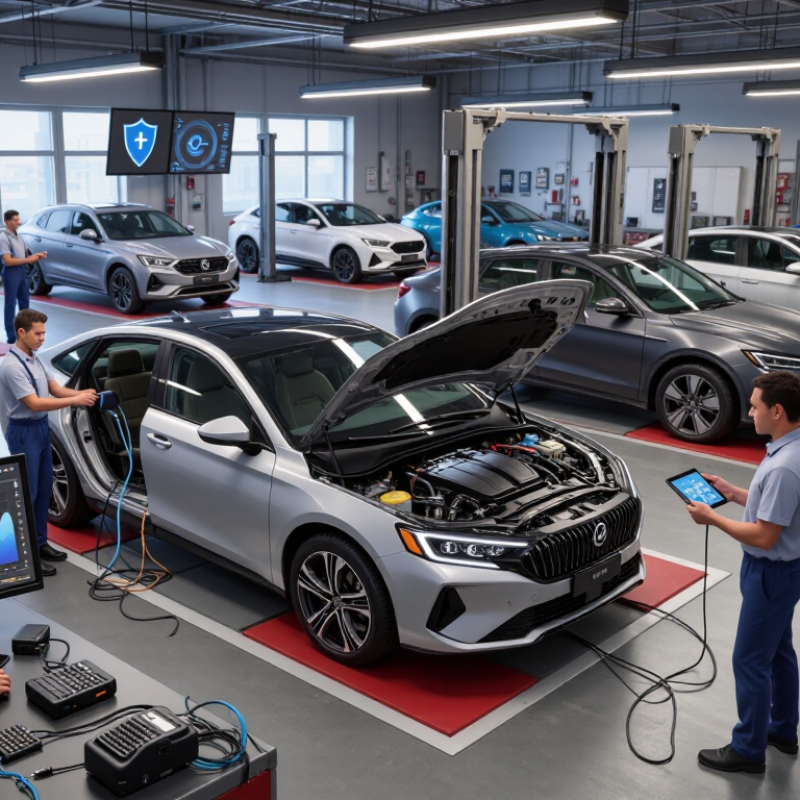
Choosing the latest vehicle diagnostic tools starts with defining your actual work. A technician servicing family cars needs different coverage from a workshop handling hybrids, commercial vans, or older systems. List vehicle years, engine types, control modules, and common faults before comparing features. I once selected a powerful scanner that lacked useful coverage for several older models. That mistake cost time. It also exposed a basic truth: broad claims mean little without tested compatibility.
Check whether the tool supports manufacturer-level functions, not only generic fault-code reading. Look for live data, actuator tests, service resets, coding, calibration, and guided procedures. Confirm coverage for safety, body, transmission, battery, and driver-assistance systems. Ask for update frequency and exact vehicle lists. “All systems” is not precise enough. Independent repair data, technical documentation, and hands-on trials can reveal gaps that sales pages hide. Test the tool on vehicles you actually maintain, preferably with common and unusual faults.
Define your operating conditions too. A mobile technician may need a light unit, strong wireless communication, and reliable battery life. A busy workshop may value fast switching, report storage, and multiple user accounts. Security access requirements also deserve attention, because some functions need approved authorization and current credentials. Do not ignore training. Advanced features are useless when menus confuse users or results lack supporting data. My checklist still changes after real repairs; coverage tables can age, and one successful test never proves complete reliability. Leave room for review after each update and repair case.
| Diagnostic Need | Recommended Tool Level | Vehicle Coverage Requirement | Key Functions | Typical Communication Support | Best Suited For |
|---|---|---|---|---|---|
| Basic warning-light checks | Entry-level code reader | Passenger vehicles equipped with standardized OBD-II or EOBD systems | Read and clear emissions-related fault codes; display basic data | Common OBD-II protocols, including CAN | Private owners and occasional users |
| Engine and transmission diagnosis | Multisystem diagnostic scanner | Broad coverage of powertrain, body, chassis, and network modules | Read live data, freeze-frame data, module codes, and readiness monitors | CAN, ISO 9141, ISO 14230, and related vehicle-specific protocols | Independent repair shops and service technicians |
| Full-system vehicle inspection | Advanced full-system scanner | Multi-brand coverage across domestic, Asian, and European vehicle platforms | System scan, code clearing, actuator tests, service resets, and diagnostic reports | CAN FD and other newer communication architectures where supported | Busy workshops handling varied vehicle inventories |
| Bidirectional troubleshooting | Professional diagnostic platform | Vehicle-specific access to supported control modules | Command selected components, run active tests, and verify repair results | CAN, CAN FD, DoIP, and legacy protocols according to vehicle year and model | Technicians performing advanced fault isolation |
| ADAS calibration and post-repair setup | ADAS-capable diagnostic and calibration system | Specific coverage for radar, camera, lane-assistance, and parking systems | Calibration procedures, steering-angle reset, target setup guidance, and fault verification | Vehicle-specific CAN and Ethernet-based communication where applicable | Collision repair, glass replacement, and advanced service centers |
| Electric and hybrid vehicle service | EV and hybrid diagnostic platform | Coverage for battery management, inverter, onboard charger, and high-voltage systems | Battery data analysis, insulation-related fault reading, charging-system checks, and service procedures | CAN, CAN FD, and vehicle-specific high-voltage system communication | Workshops trained for electrified vehicles |
| Module replacement and configuration | Advanced programming-capable tool | Confirmed support for configuration, coding, and setup on selected vehicle models | Coding, parameter configuration, relearn procedures, and replacement-module setup | CAN, CAN FD, DoIP, and secure gateway access when authorized | Specialist repairers and dealerships with proper authorization |
| Commercial vehicle maintenance | Heavy-duty diagnostic system | Trucks, buses, trailers, and relevant diesel or alternative-fuel systems | Engine, transmission, braking, emissions, and body-controller diagnostics | J1939, J1708, CAN, and applicable heavy-duty communication standards | Fleet maintenance departments and commercial-vehicle workshops |
| Intermittent electrical faults | Scanner combined with electrical test equipment | Coverage should include live parameters and network-related data for the target vehicle | Graphing, recording, event capture, voltage testing, and network fault analysis | CAN and other in-vehicle network protocols supported by the vehicle | Diagnostic specialists handling complex electrical problems |
| Workshop documentation and verification | Connected diagnostic platform with reporting tools | Coverage should match the workshop's common vehicle years, regions, and model groups | Pre-scan and post-scan reports, data storage, repair notes, and customer documentation | Wired or wireless vehicle communication, depending on the interface | Professional workshops seeking repeatable service processes |
List vehicle years, engine types, control modules, and frequent faults. Include older vehicles and newer electronic systems. Your workload decides the tool.
Look beyond basic fault-code reading. Useful functions include live data, actuator tests, service resets, coding, and calibration. Guided procedures can reduce guesswork.
Check model year, engine, connector, communication protocol, and supported modules. A tool may read engine faults but miss battery or safety systems. Compatibility tables can age.
A basic reader suits routine emission checks. A full-system scanner reaches brakes, airbags, transmission, and body electronics. More functions require more training.
Choose a light unit with reliable wireless communication and strong battery life. A heavy scanner becomes inconvenient beside a roadside vehicle. Small details matter.
Fast vehicle switching, report storage, stable communication, and multiple user accounts may save time. Clear menus also matter. Fancy screens do not guarantee useful results.
Include purchase price, updates, subscriptions, replacement cables, training, and technical support. Compare costs across three or five years. Cheap can become expensive.
Check coverage length, repair procedures, shipping duties, and battery exclusions. Ask whether software problems receive protection. Keep invoices and support emails.
Test it on vehicles you regularly service, including common and unusual faults. Check live data, module access, and report quality. One successful test proves little.
No. The tool provides information, not certainty. Review supporting data and compare results with physical symptoms. I still trust simple equipment for some routine jobs.
Choosing the latest vehicle diagnostic tools starts with clearly defining your needs, including the vehicle types, systems, and diagnostic tasks you expect to handle. Consider whether you need basic code reading, advanced system analysis, bidirectional controls, maintenance resets, or coverage for multiple vehicle models. Compare different tool types by their functions, compatibility, operating speed, and ability to access essential data. It is also important to evaluate software update policies, database coverage, wireless connectivity, and support for modern vehicle communication systems. Understanding what are the latest trends in vehicle diagnostics can help you select tools that remain useful as vehicles become more connected and electronically complex.
Before purchasing, test the tool’s interface, data accuracy, durability, and ease of use in real working conditions. Reliable technical support, clear documentation, and regular improvements can greatly affect long-term performance. Finally, review the total cost, including subscriptions, updates, accessories, warranty coverage, and possible maintenance expenses. The best choice is not always the most expensive option, but the one that provides dependable coverage, practical features, and strong value over time.

 Kore Auto