THINKCAR BD6 OBD2 Scanner Full System Diagnostic Tool OIL IMMO ETS BLEED Brake Reset Lifetime Free All Auto Car

Product Description

MOQ > 10 qualifies for free shipping! (For remote countries, please inquire about specific shipping costs).
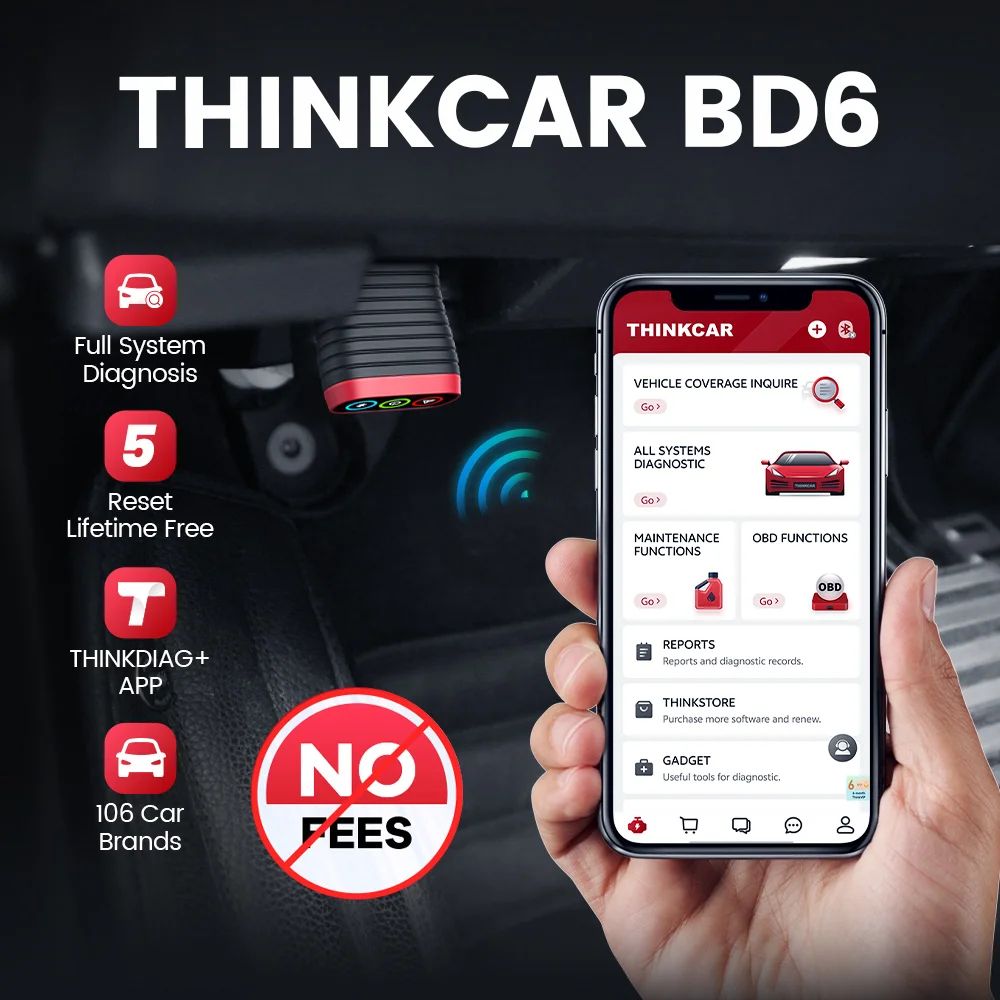
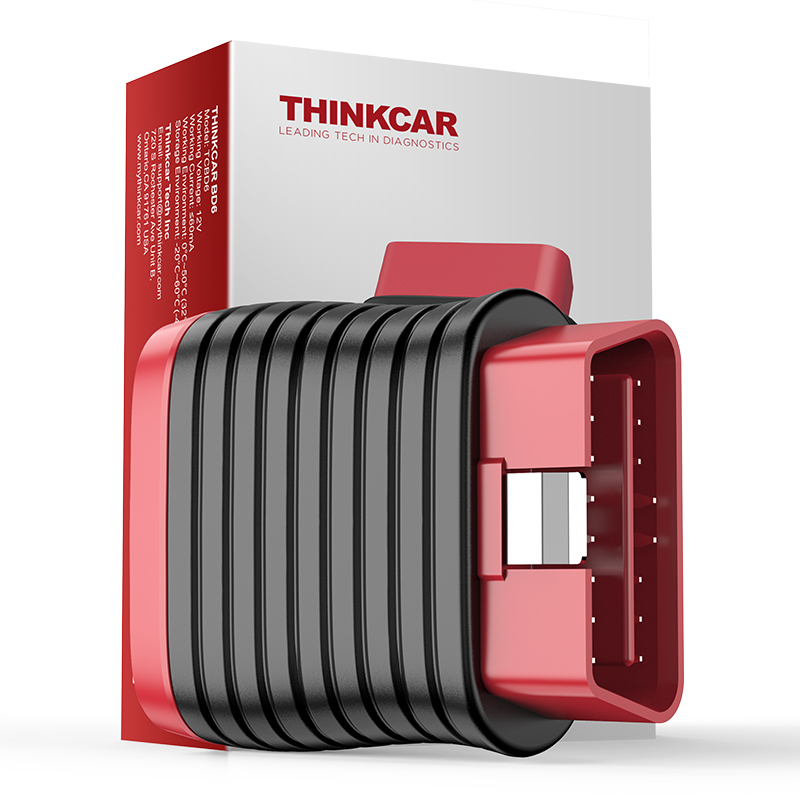
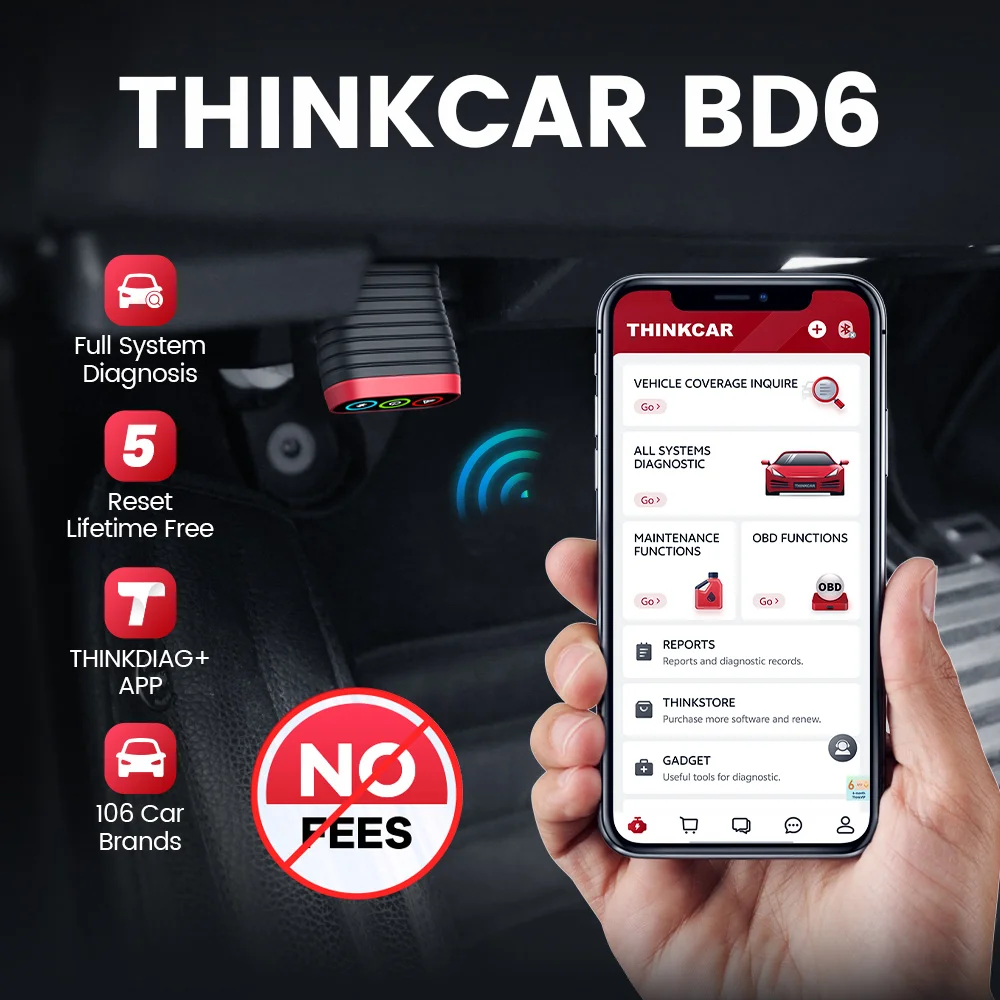
THINKCAR BD6 OBD2 Scanner Bluetooth, Wireless All System Diagnostic Tool for iOS & Android, 5 Hot Reset Free for Life Check Engine Car Code Reader
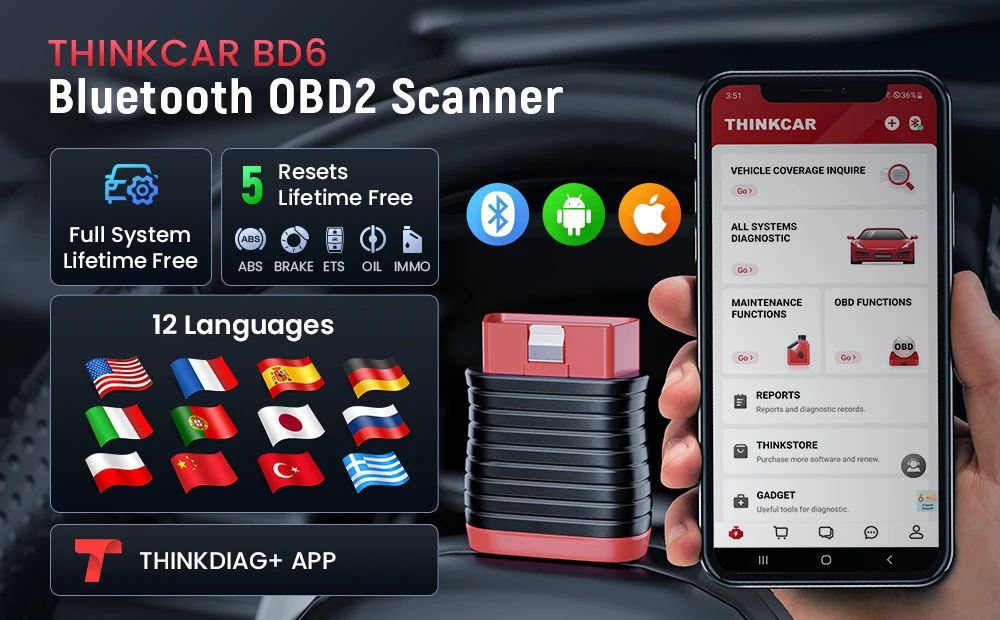
Lifetime Free All System Diagnosis Lifetime Free 5 Resets 106 Car Brands Covered No Annual Renewal Cost
Key Highlights
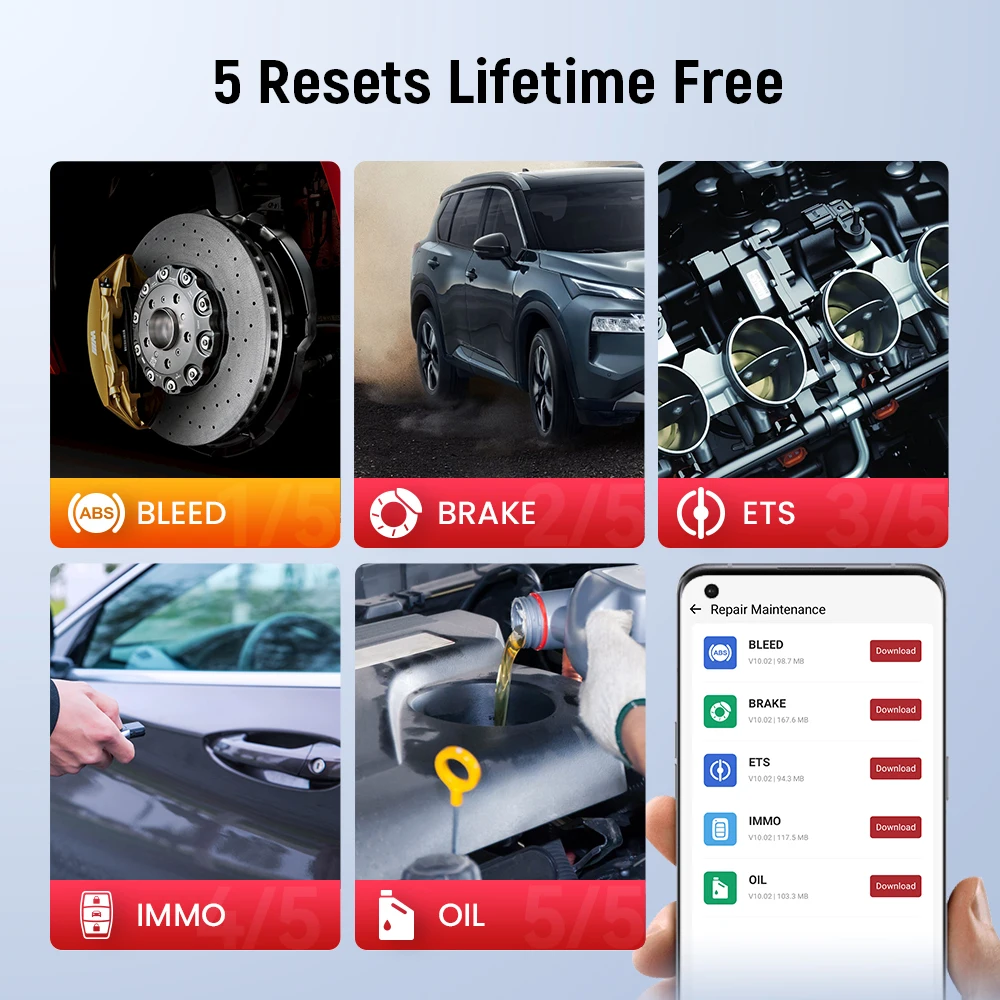
  • Lifetime Free 5 Resets: Includes Oil, Bleed, Brake, ETS, and IMMO resets for all compatible cars (please check compatibility before purchase).
  • Lifetime Free Full OBD2 Functions: Full diagnostic coverage for all supported vehicles with zero subscription fees.
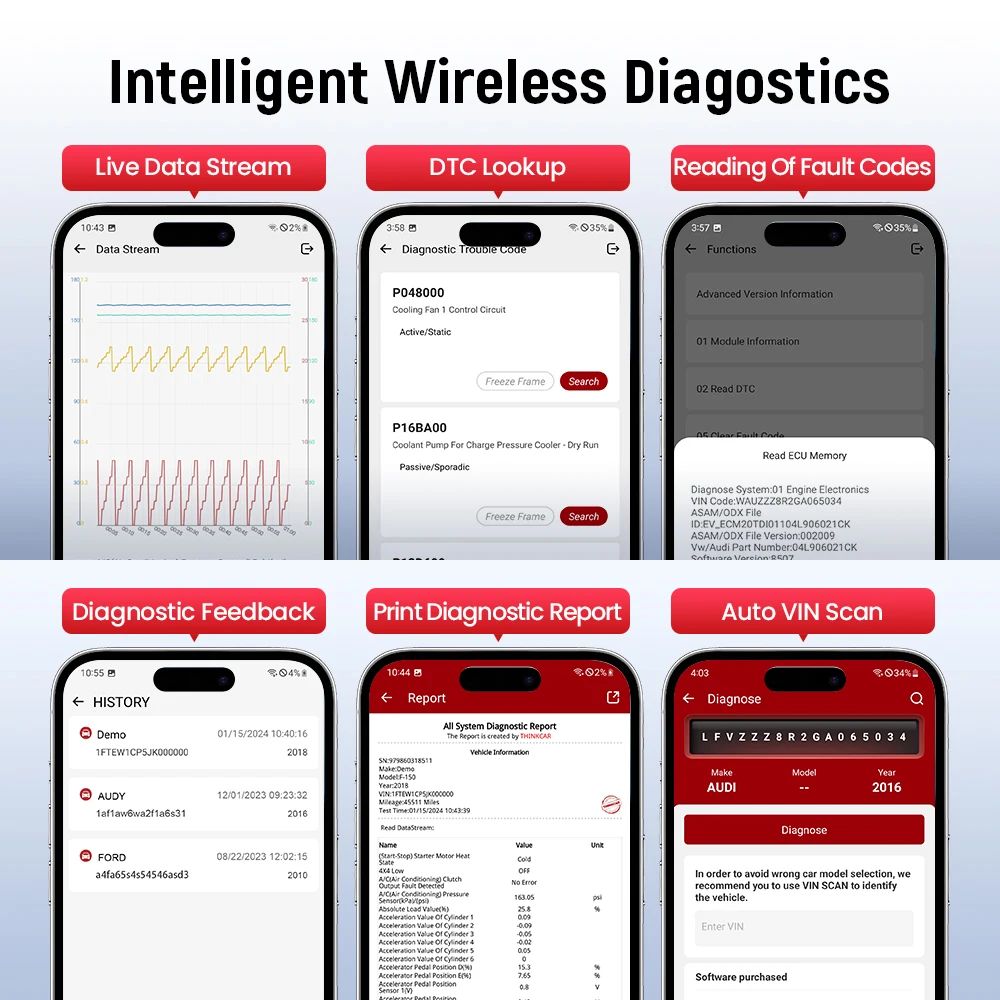
  • Intelligent Diagnostics: Auto VIN retrieval and 4-in-1 graphical live data stream.
  • Report Sharing: Generate and print real-time diagnostic reports easily.
  • Trouble Codes: Fast reading and clearing of diagnostic error codes.
THINKCAR BD6 OBD2 Scanner Full System Diagnostic Tool
How to Use the THINKCAR BD6
  1. 1 Download the App: Search and download the "ThinkDiag+" application in the Apple App Store or Google Play Store.
  2. 2 Sign Up / Log In: Open the app and click "Sign Up". A verification code will be sent to your email. Check your spam folder if you do not receive it.
  3. 3 Activate Device: Click on "Activate" to open the registration page. Input the serial number and the 8-digit activation code found on the first page of the Quick Start Guide.
  4. 4 Connect to Car: Plug the THINKCAR BD6 scanner into the vehicle's OBDII port. A solid red light will indicate the device is powered.
  5. 5 Bluetooth Pairing: Launch the App. It will automatically search for your activated device. Select and connect to the device via Bluetooth inside the app. The indicator light will change to flashing blue.
  6. 6 Download Software: Go to the "Diagnostics" interface. Upon first usage, download the corresponding software required for "All System Diagnostic", "Maintenance function", and "OBD Functions".
Exclusive THINKDIAG+ App & Upgrade
  • Bluetooth Connection: Wireless diagnostic process without tangled cords.
  • OS Requirements: Compatible with iOS 9.0 or Android 5.0 and above.
  • Upgrades: Lifetime free software updates and upgrades.
THINKCAR BD6 App Compatibility Info
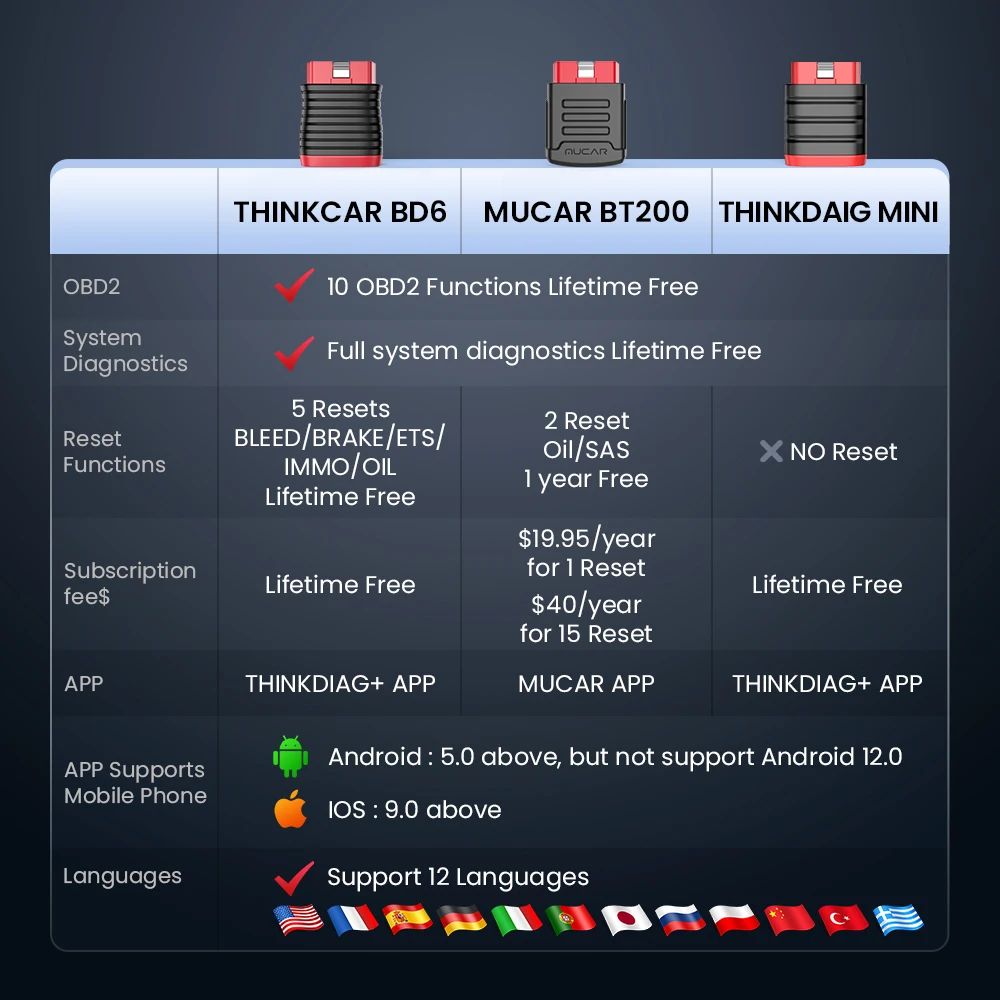
Comparison: THINKCAR BD6 vs MUCAR BT200 vs THINKDIAG mini
THINKCAR BD6 Comparison Chart
All Cars Lifetime Free Full System Diagnosis

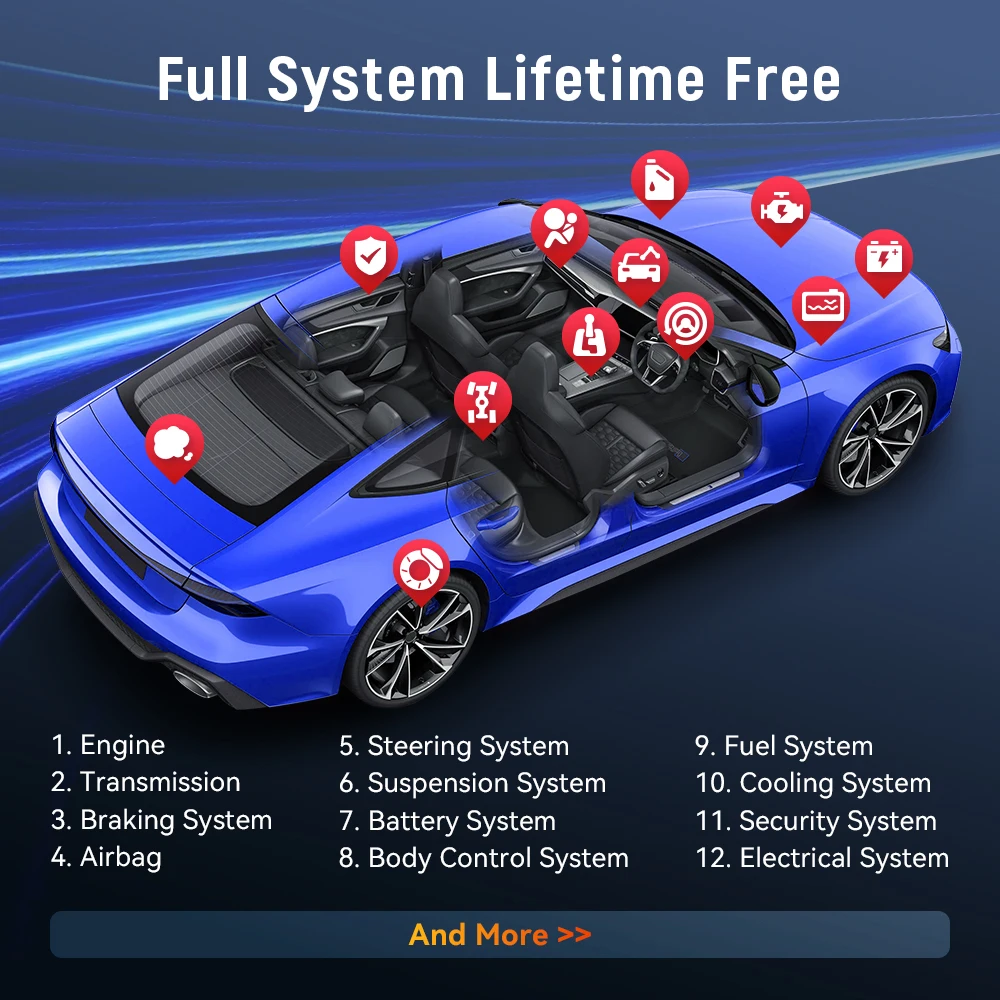
The Diagnostics application establishes a direct data link to the vehicle's electronic control systems. It carries out functional tests, retrieves diagnostic information (DTCs/event codes), and visualizes live data streams across multiple control modules, including ABS, SRS, Engine, Transmission, Brake System, Emission System, Fuel System, Light System, and Wiper System.
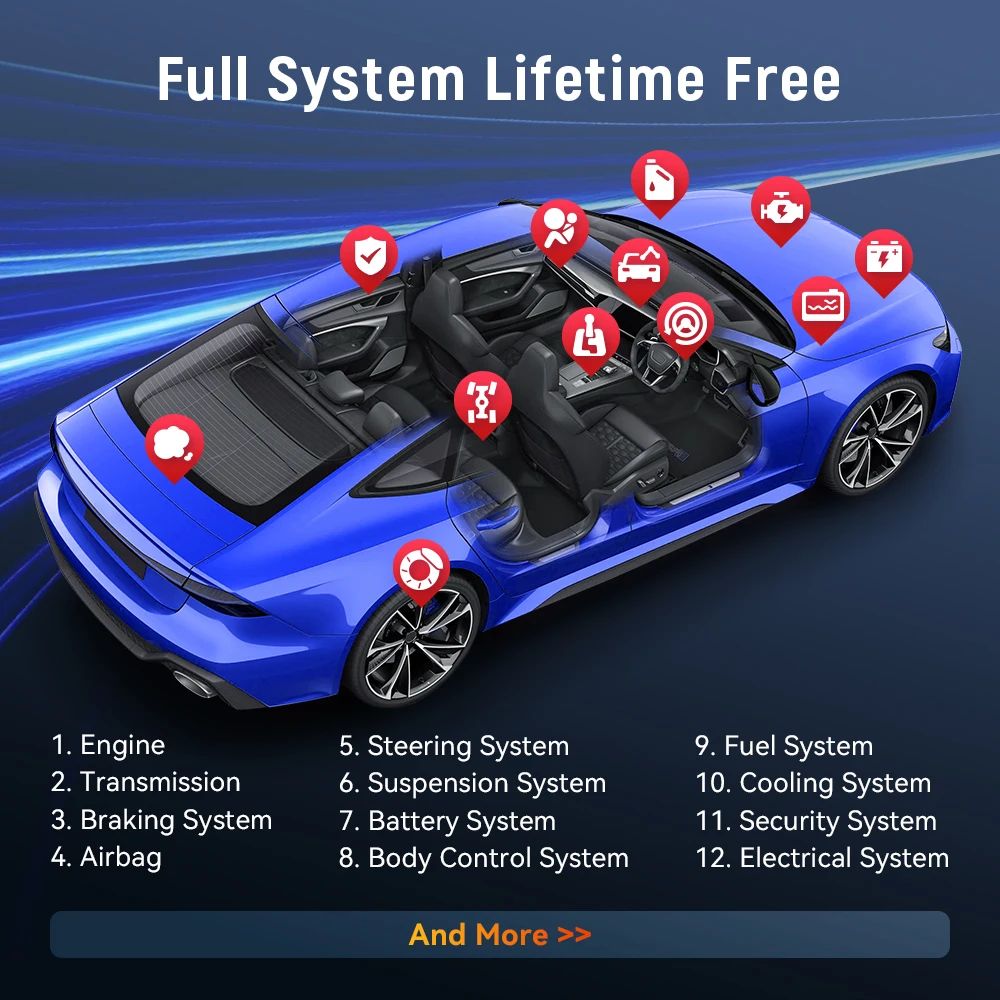
Full System Diagnostic Coverage
Check Engine System

Read fault codes, pinpoint the root cause of the Check Engine Light, and observe real-time performance parameters graphed in real-time.

ABS System Diagnose

Access the vehicle's Anti-lock Braking System to pull and clear DTCs, inspect live sensor data, and view pending fault codes.

SRS System Diagnosis

Scan Supplemental Restraint System information to detect electrical faults or module warnings, ensuring airbag and belt safety.

Transmission System

Read transmission fault codes, check matching gear configurations, fluid parameters, and ensure smooth power delivery.
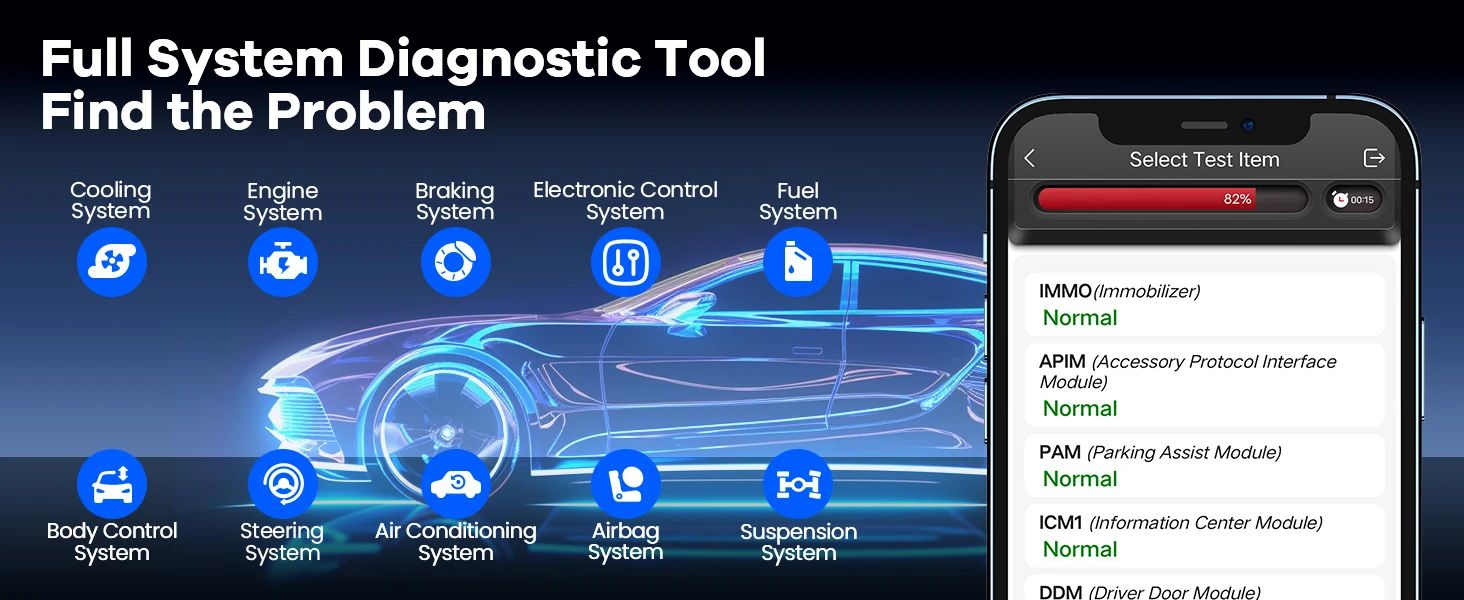
Commonly Diagnosed Car Systems
5 Reset Service Details (Lifetime Free)

* Kindly send your vehicle's VIN to check compatibility before purchase, as availability of specific resets differs per car model.
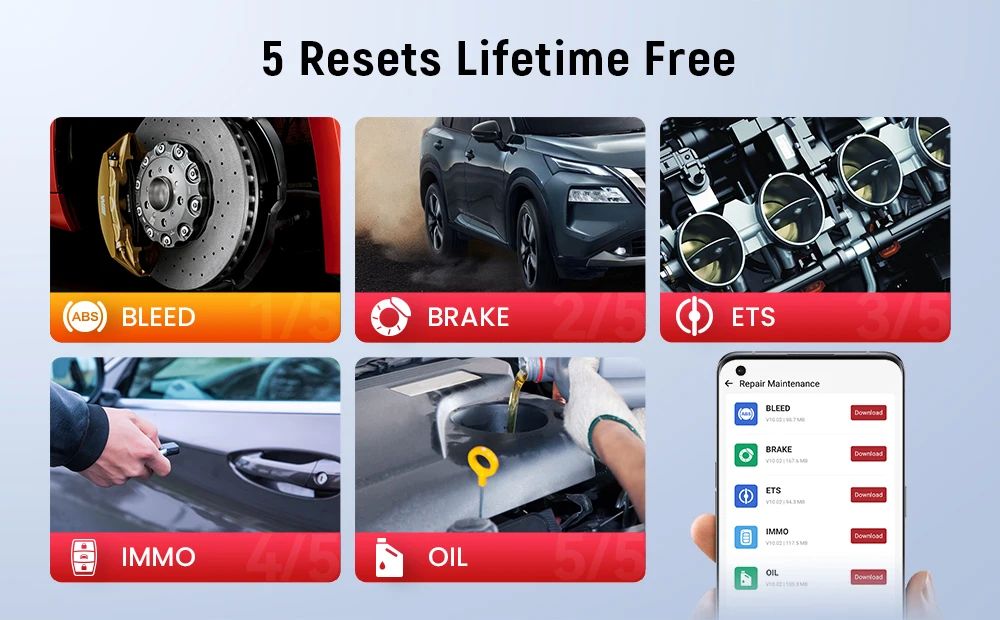
  • ABS Bleeding: Helps purge trapped air from the ABS pump and lines, restoring firm brake pedal feel.
  • EPB Brake Reset: Critical for maintaining electronic parking brake systems safe calibration and pad replacement routines.
  • ETS Throttle Adaptation: Reinitializes the throttle actuators to default states, regulating air flow and idle control.
  • IMMO Key Programming: Disables lost keys and programs replacement key fobs (vehicle compatibility dependent).
  • Oil Lamp Reset: Resets engine oil life tracking systems after routine oil and filter maintenance.
5 Reset Services Details
10 Modes of Full OBD2 Diagnostics
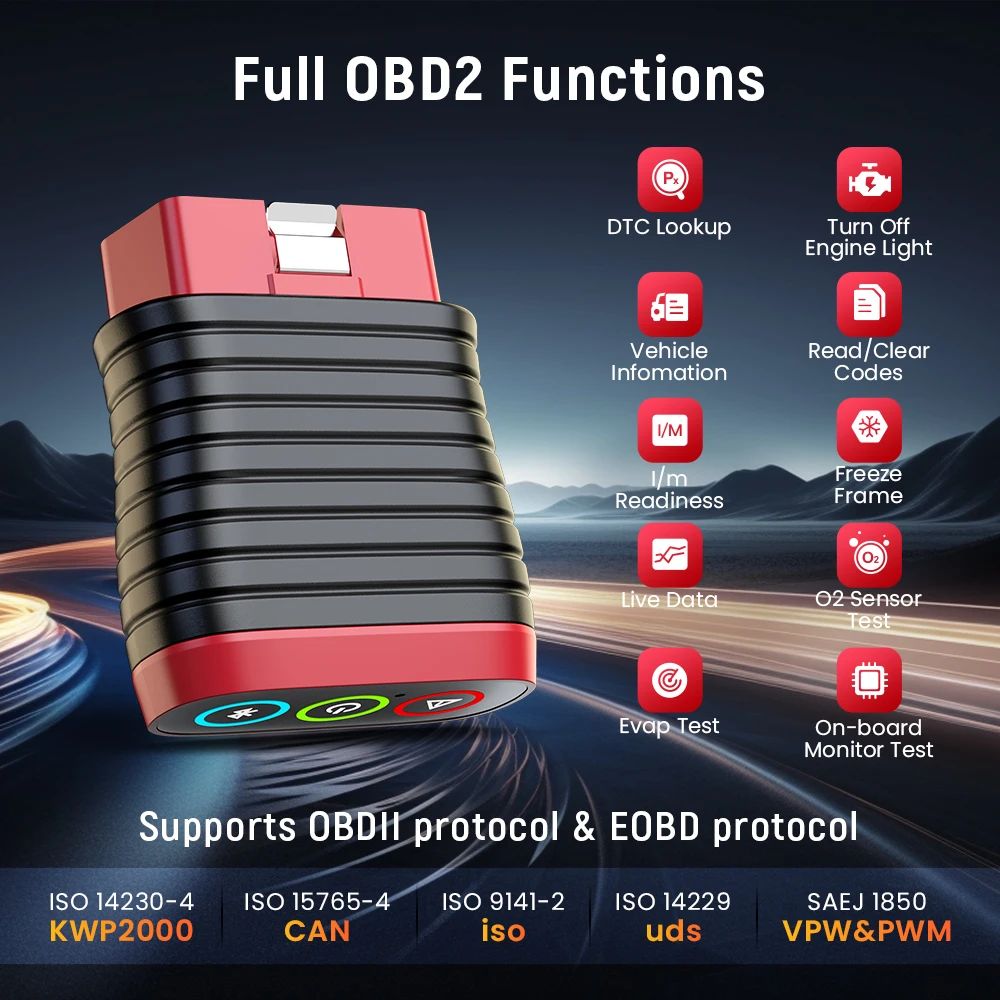
  • Read extensive current, pending, and permanent OBD codes.
  • Clear error codes and effectively turn off Check Engine Lights.
  • View graphical live data streams for easy diagnostics.
  • Capture freeze frame data at the exact moment a fault code is logged.
  • Run I/M readiness checks to determine state emission test readiness.
  • Test O2 sensors to audit fuel usage efficiency and exhaust output.
  • View on-board diagnostic monitoring results for target sub-systems.
  • Retrieve raw vehicle details such as VIN, CINs, and CVNs.
  • Perform EVAP system leak tests via components testing.
OBD2 Diagnostic Functions Detail
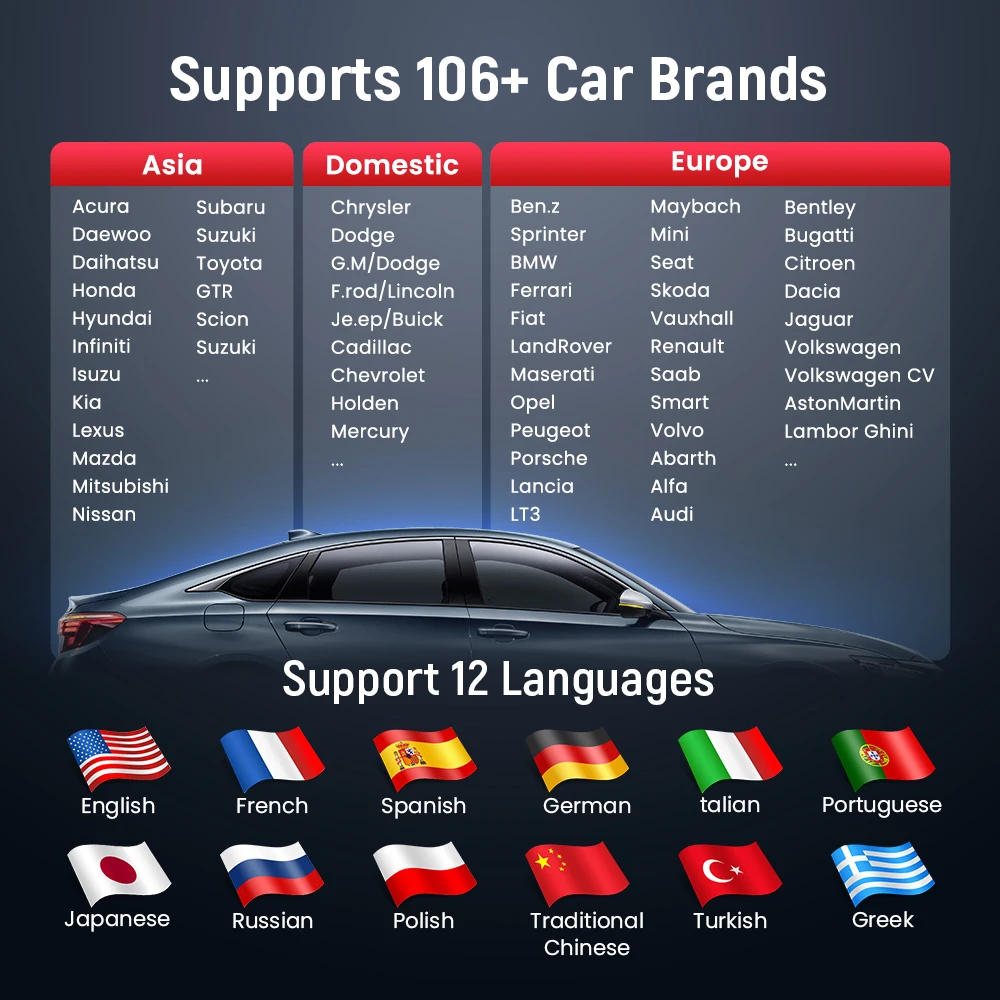
Universal Compatibility (98% Vehicles)

Supports all standard OBDII protocols: KWP2000, ISO9141, J1850 VPW, J1850 PWM, and CAN. Check your vehicle's port for a standard 16-pin layout.

American Market (from 1996)

Ford(Australia), LINCOLN, BUICK, Chrysler, GM, FORD, CHRYSTER, CADILLAC, CHEVROLET, DODGE, FIAT(BRAZIL), GM(BRAZIL), Jeep, SGM

European Market (from 1996)

AstonMartin, Benz, Sprinter, BMW, Ferrari, Fiat, LandRover, Maserati, Opel, Peugeot, Porsche, Lancia, LT3, Maybach, Mini, Seat, Skoda, Vauxhall, Volkswagen CV, Renault, Saab, Smart, Volvo, Volkswagen, Abarth, Alfa, Audi, Bentley, Bugatti, Citroen, Dacia, Jaguar, Lambor Ghini, ALFA ROMEO, BENTLEY, BUGATTI, DR, DACIA, EUROFORD, GAZ, IVECO, IZH, JAGUAR, MERCEDES, MAYBACH, OPEL, OPEL(SOUTH AFRICA), PAZ, RENAULT, ROVER, ROLLS-ROYCE, SPRITER, UAZ, VAZ, VAUXHALL, ZAZ

Asian Market (from 1996)

Acura, Daewoo, Daihatsu, Honda, Hyundai, Infiniti, Isuzu, Kia, Lexus, Maruti Suzuki, Mazda, Mitsubishi, Nissan, SsangYong, Subaru, Suzuki, Toyota, GTR, Scion, IKCO, LUXGEN, MAHINDRA(INDIA), MARUTI(INDIA), MVM, NISSANGTR, PERODUA(MALAYSIA), PROTON(MALAYSIA), RENAULT SAMSUNG, SAIPA, TATA(INDIA), TLISUZU, UNITED PAKISTAN

Chinese Market (from 2014)

Requires standard OBD2 protocol support. Models include Great Wall, Huachen, DF Honda, Lifan.
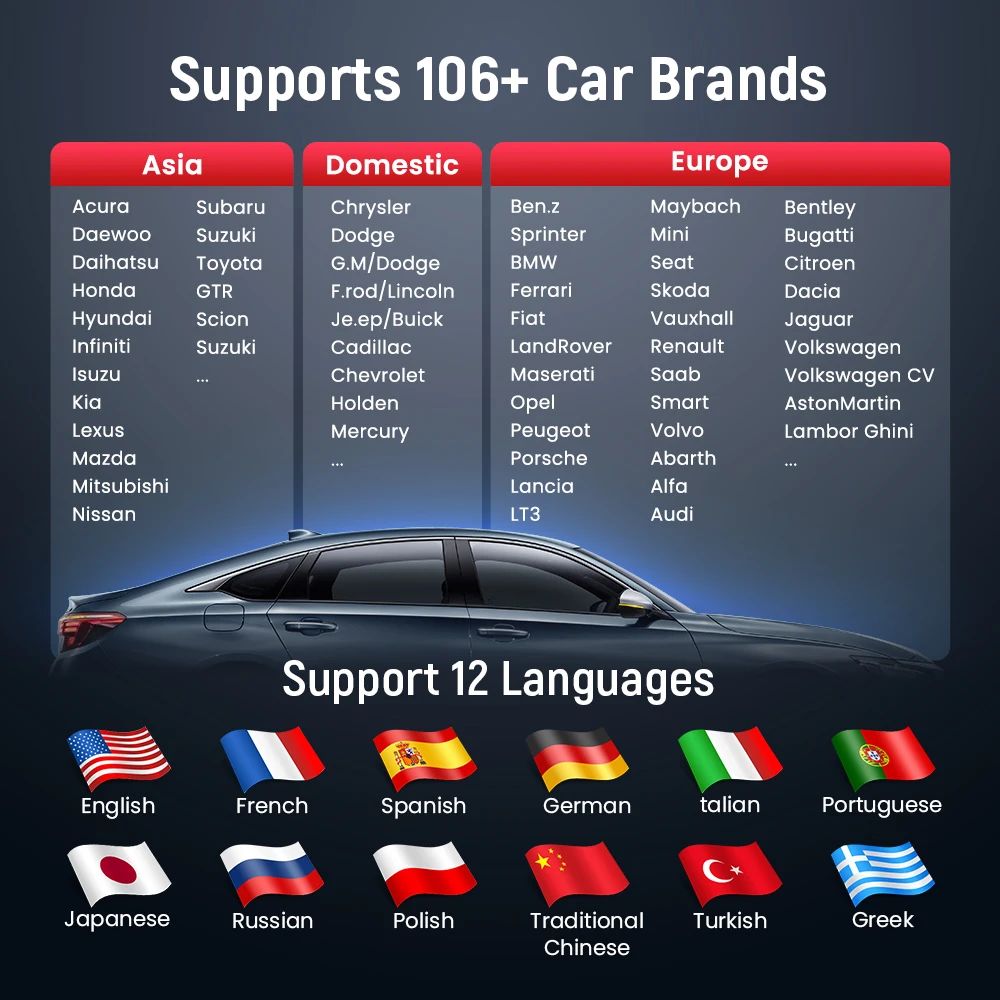
THINKCAR BD6 Compatibility Diagram
12 Multi-lingual Support
English French German Spanish Italian Portuguese Japanese Russian Polish Traditional Chinese Turkish Greek
Other Integrated Functions
  • One-Click Auto VIN vehicle scanning.
  • Built-in DTC code lookup library.
  • 4-in-1 real-time graph data stream fusion.
  • Printable report sharing capability.
  • Online technical support and feedback.
THINKCAR BD6 Additional Functions
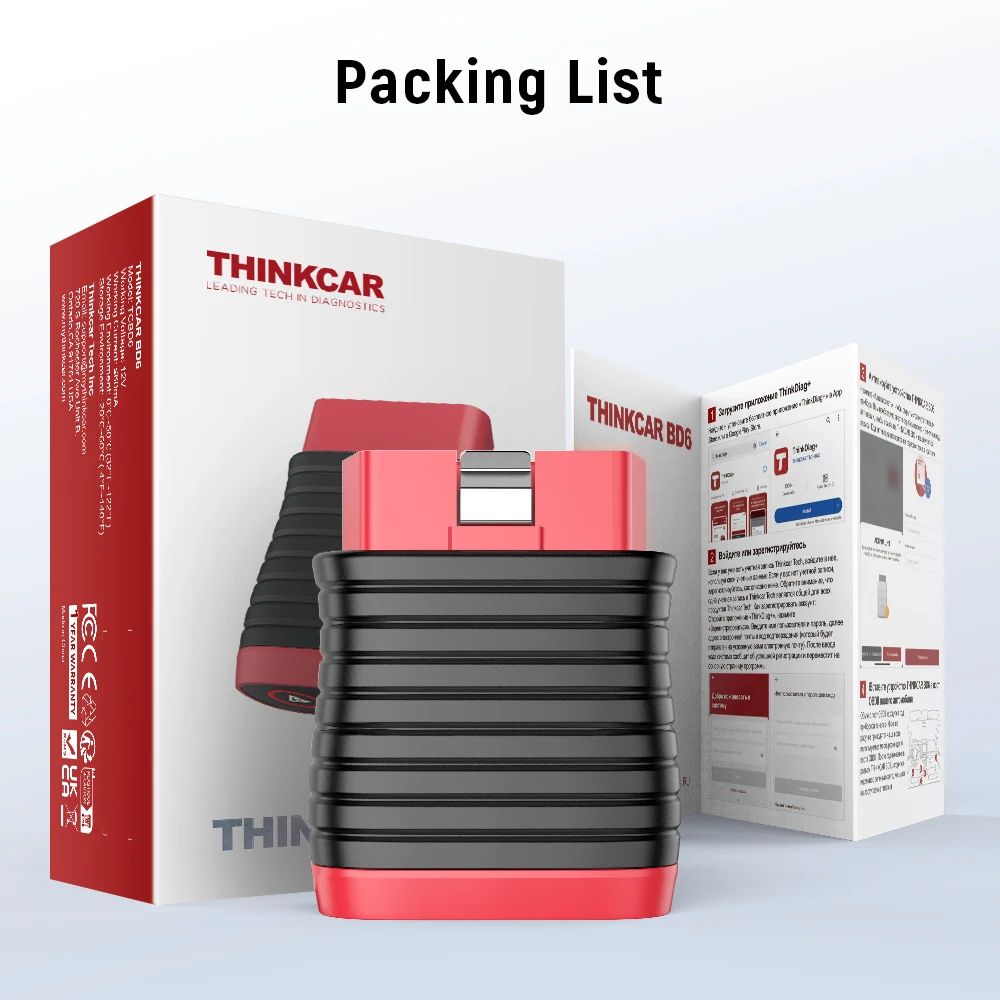
Packing List
  • 1 * THINKCAR BD6 Scanner
  • 1 * Multilingual User Manual
THINKCAR BD6 Package Contents
Frequently Asked Questions
1. Are there any annual subscription or renewal costs for the THINKCAR BD6?
No. The THINKCAR BD6 offers lifetime free all-system diagnostics, full OBD2 diagnostics, and 5 maintenance reset functions (Oil, Bleed, Brake, ETS, IMMO) with no recurring annual fees.
2. How do I get my activation code and set up the device?
The 8-digit activation code is printed on the first page of the Quick Start Guide included in the box. You will need to enter this code, along with the device serial number, in the "ThinkDiag+" App to activate your scanner.
3. What mobile operating systems are compatible with the THINKCAR BD6?
The scanner works wirelessly via Bluetooth and is compatible with iOS devices running iOS 9.0 or above, as well as Android devices running Android 5.0 or above.
4. Will the 5 reset functions work on all car models?
Reset compatibility varies by vehicle make and model. We highly recommend checking reset capability with us by providing your vehicle's VIN before making a purchase.
5. Which car brands and protocols are supported by this OBD2 scanner?
It supports 98% of vehicle models manufactured since 1996 (and Chinese cars from 2014) that support OBDII protocols: KWP2000, ISO9141, J1850 VPW, J1850 PWM, and CAN with a standard 16-Pin interface.
6. Can I change the diagnostic app system language?
Yes. The device supports 12 default system languages: English, French, German, Spanish, Italian, Portuguese, Japanese, Russian, Polish, Traditional Chinese, Turkish, and Greek.

Related Products