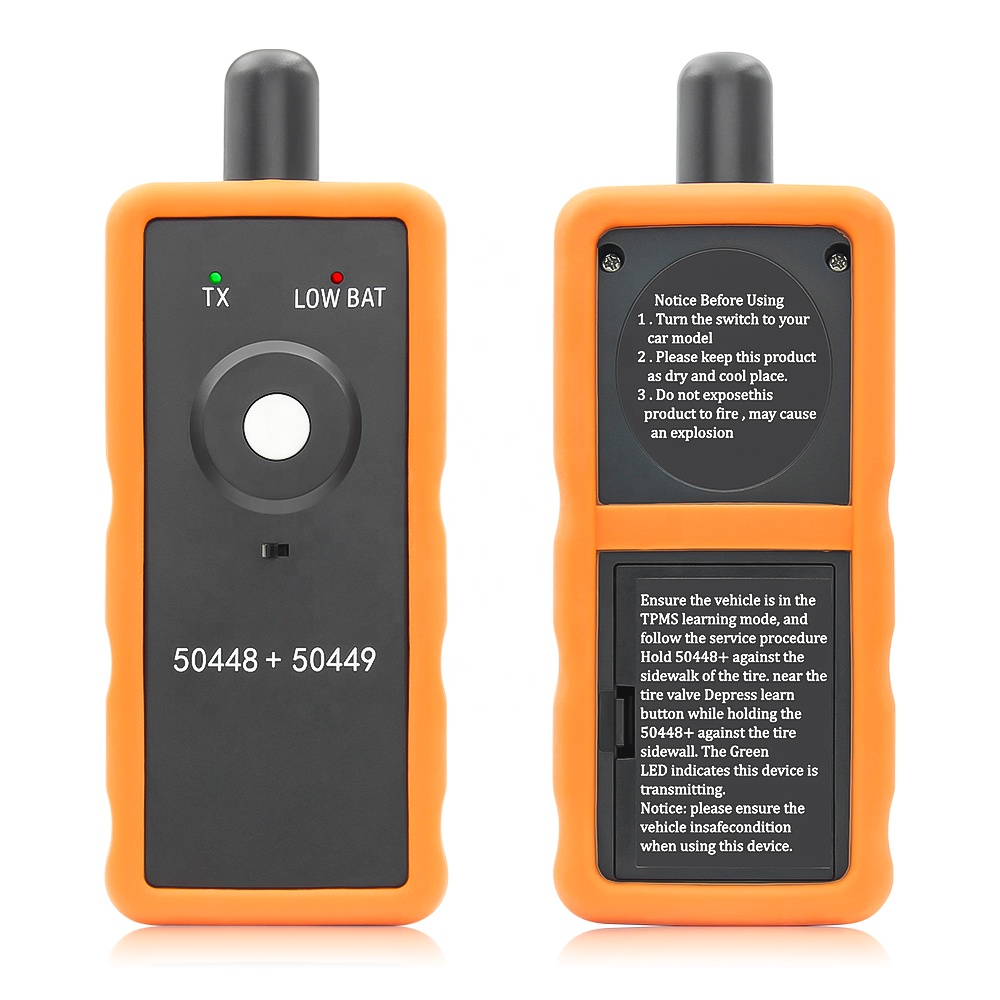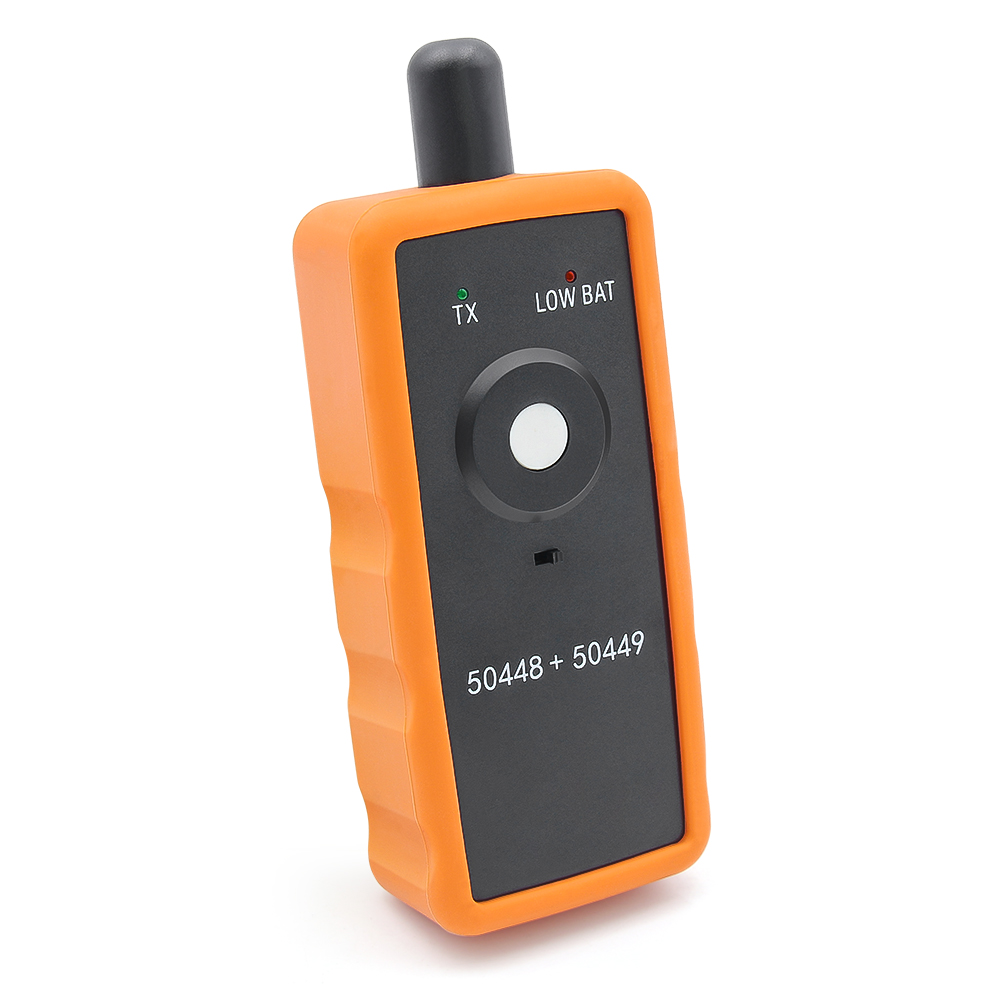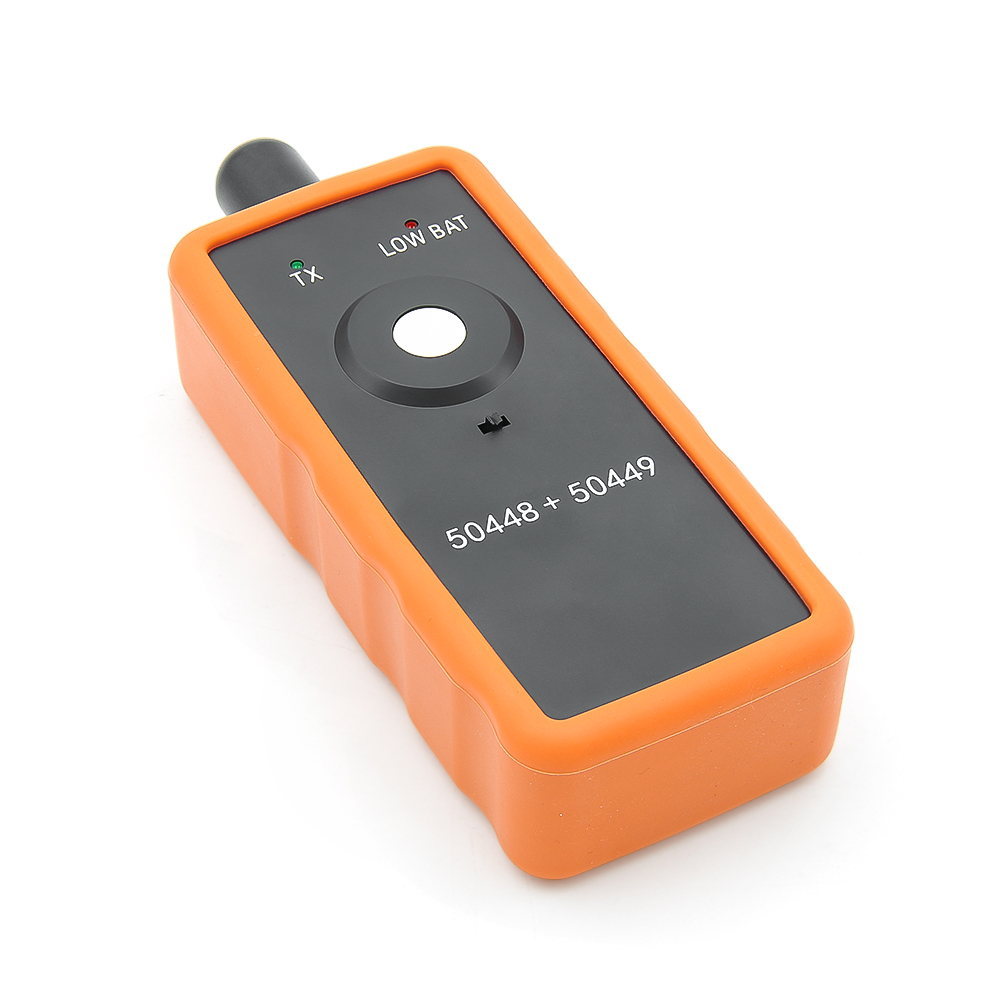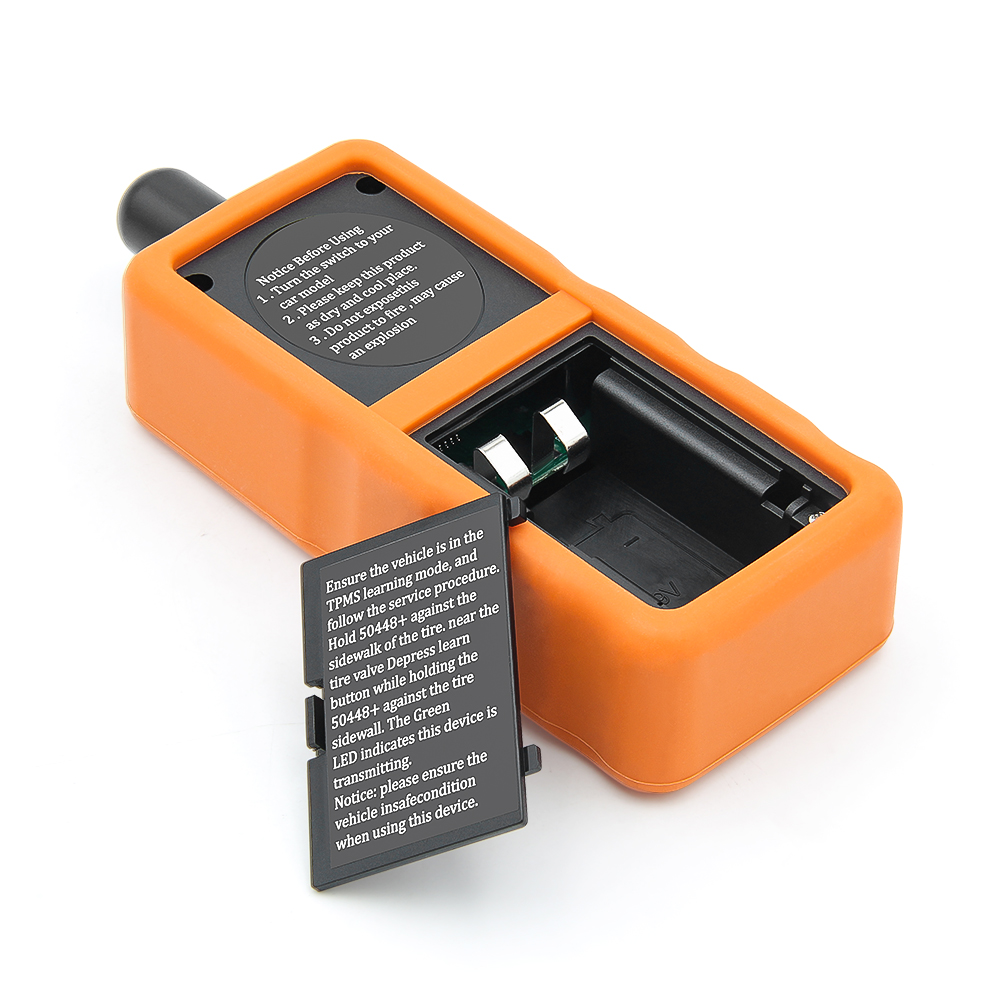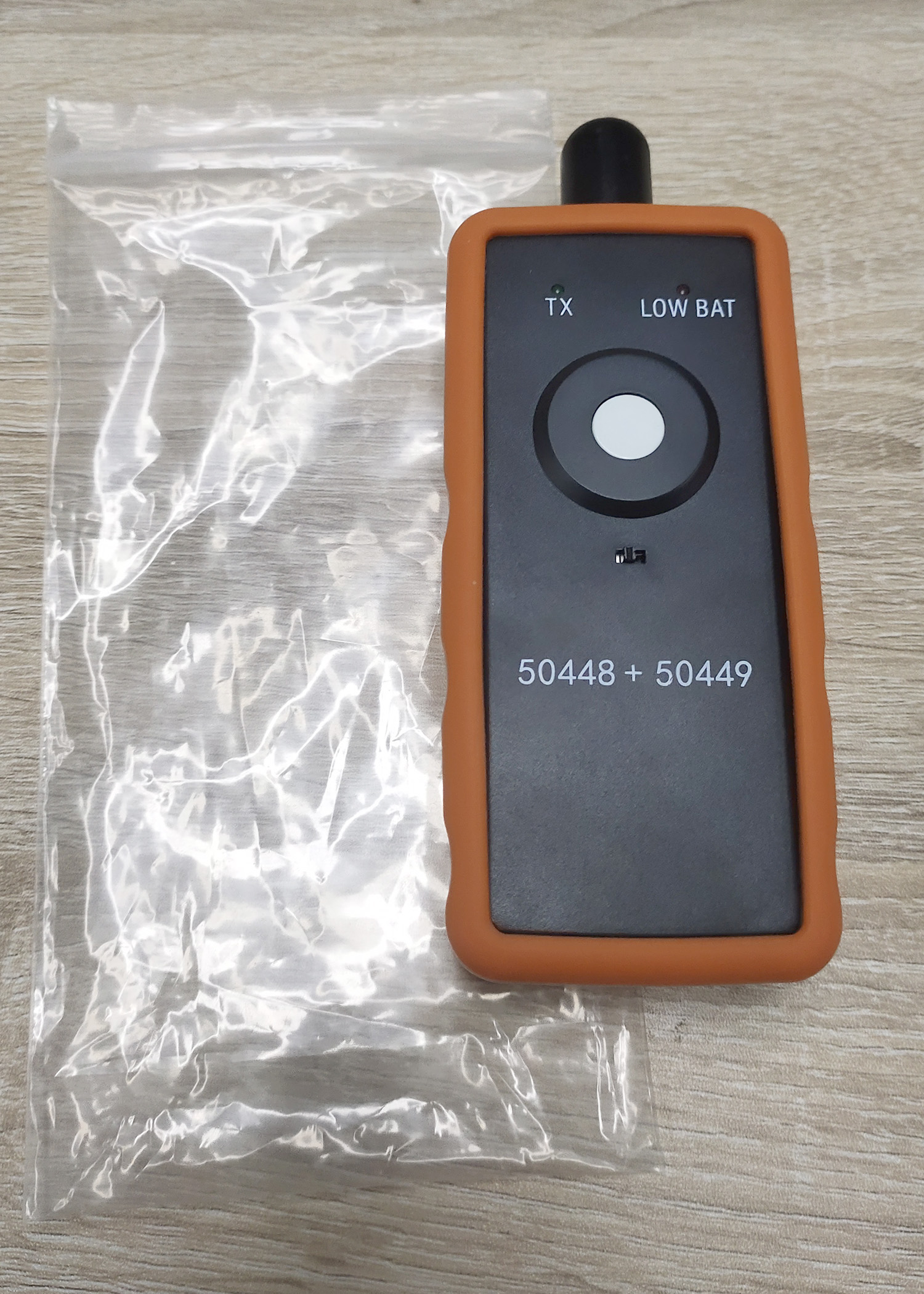
Tire Pressure Monitoring System TPMS 50448 Plus 2in1 Auto TPMS Relearn Tool 50448 Plus Activation Tool For GM For Ford

Product Description

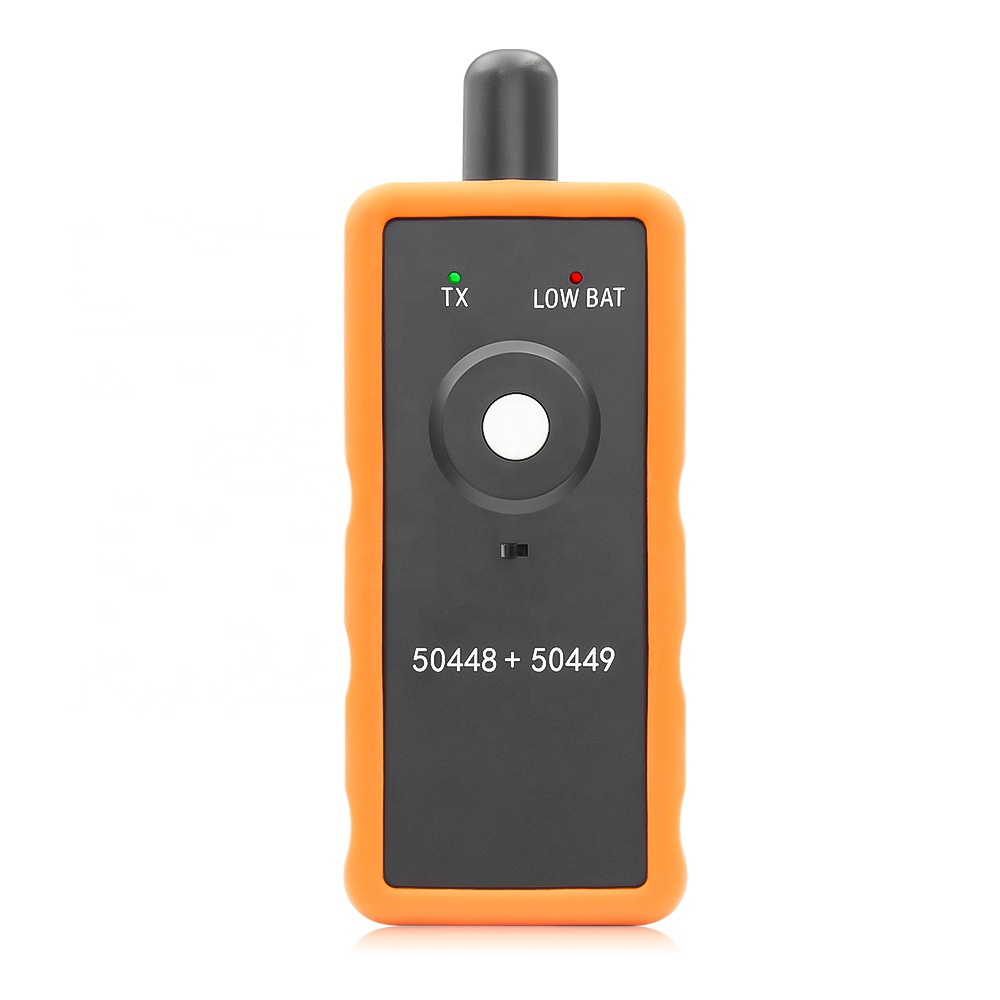
Tire Pressure Monitoring System TPMS 50448 Plus 2in1 Auto TPMS Relearn Tool
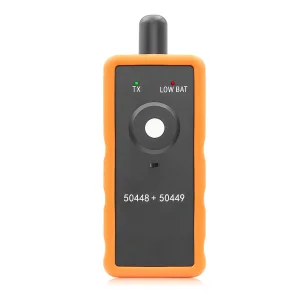
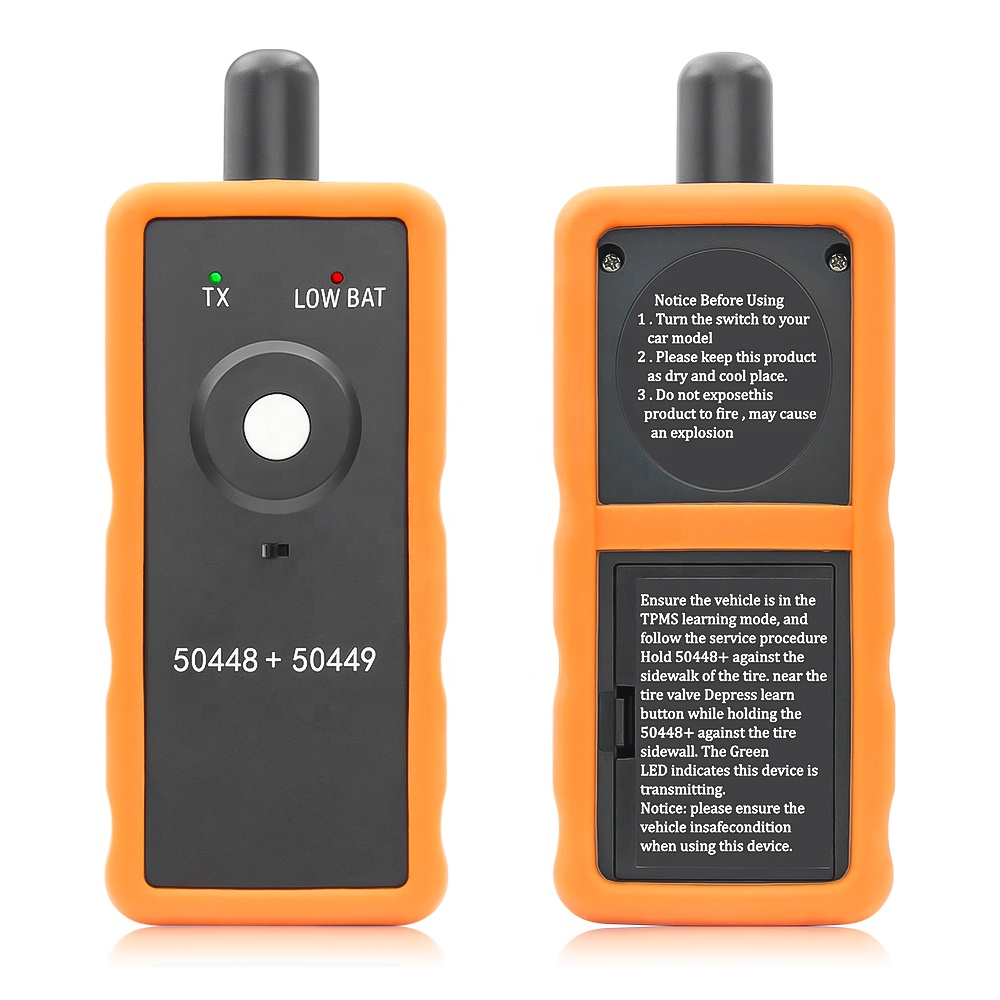
TPMS 50448 Plus 2in1 is able to work with both for GM series and for Ford series vehicles. It is an essential tool for replacing tire pressure sensors, tire pressure alarms or tire replacements in models such as the for GM series (for Opel / for Chevy / for Buick / for GM / for Cadillac) and for Ford series (for Lincoln / for Mercury).
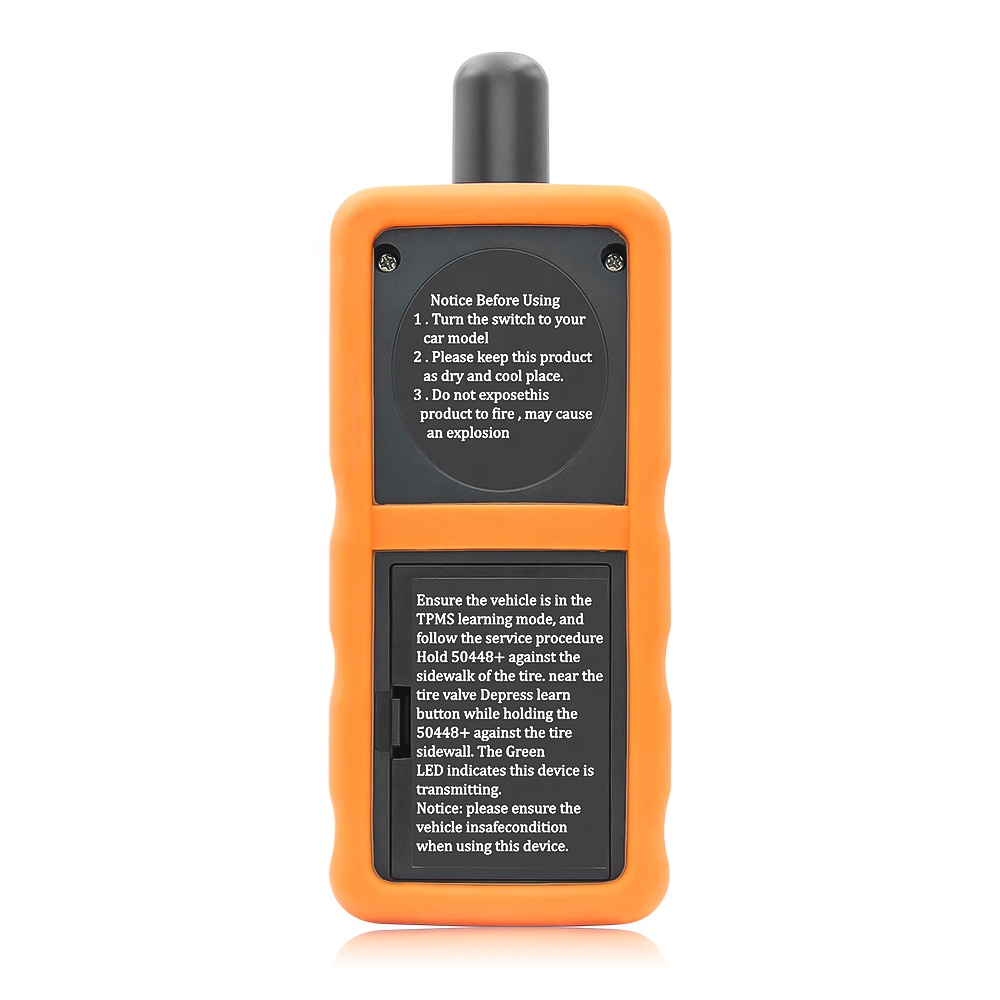
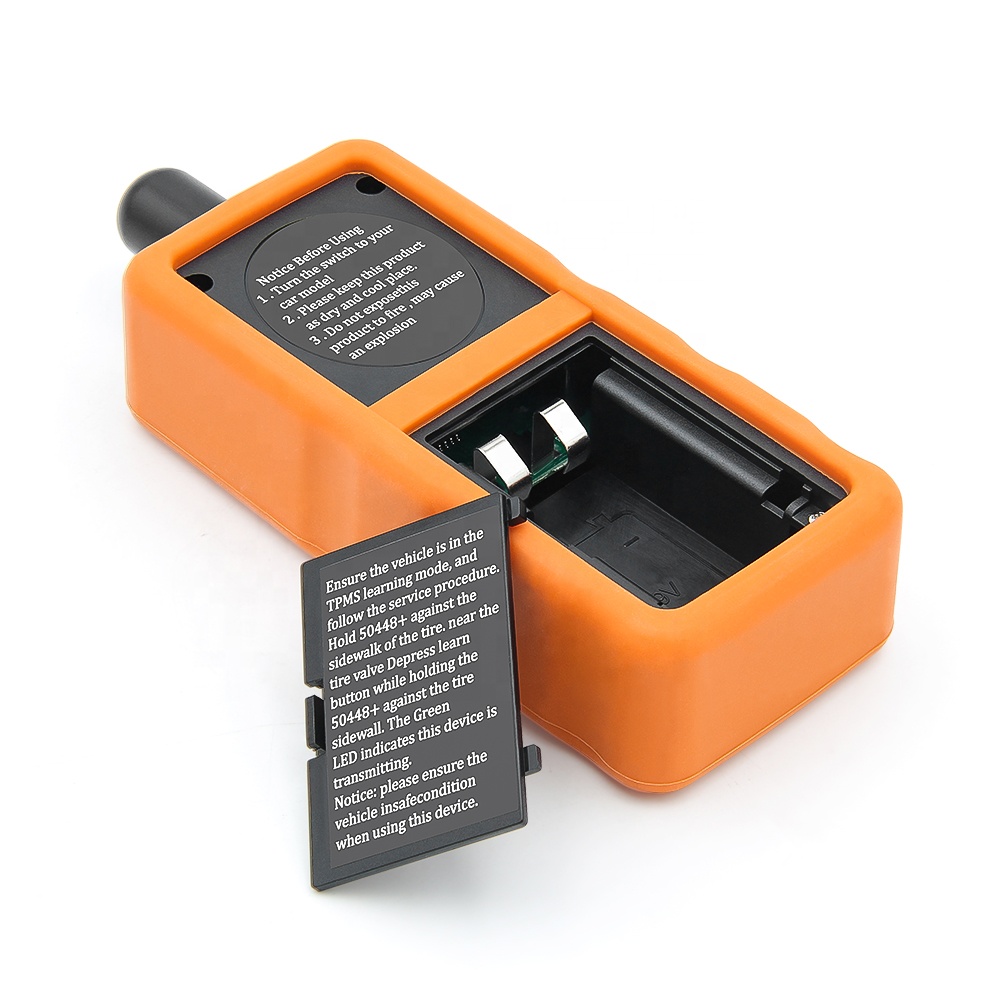
TPMS 50448 Plus 2in1 Product Image
Detailed Operations
How to switch between for GM and for Ford brand?
Hold the power button for 3 seconds and 2 LEDs flashing 2 times, selected brand’s LED flashing 2 times.
How do I detect which mode my device is in?
Press the power button, if the Green LED flashing, means 50448 Plus 2in1 in GM mode, if the Red LED flashing, means 50448 Plus 2in1 Plus in Ford mode.
Operation details
Product Specifications
Parameter Details
Item Name 50448 Plus 2in1 TPMS Relearn tool
Functions TPMS Reset, relearn, activation tool
Support Vehicles For Ford and for GM Series Vehicle
Battery request 9V battery in good condition
Weight 0.14KG
Usage Guidelines
  • Need 1x Pcs 9V battery to work.
  • Set the car in TPMS learning mode. (car horns twice)
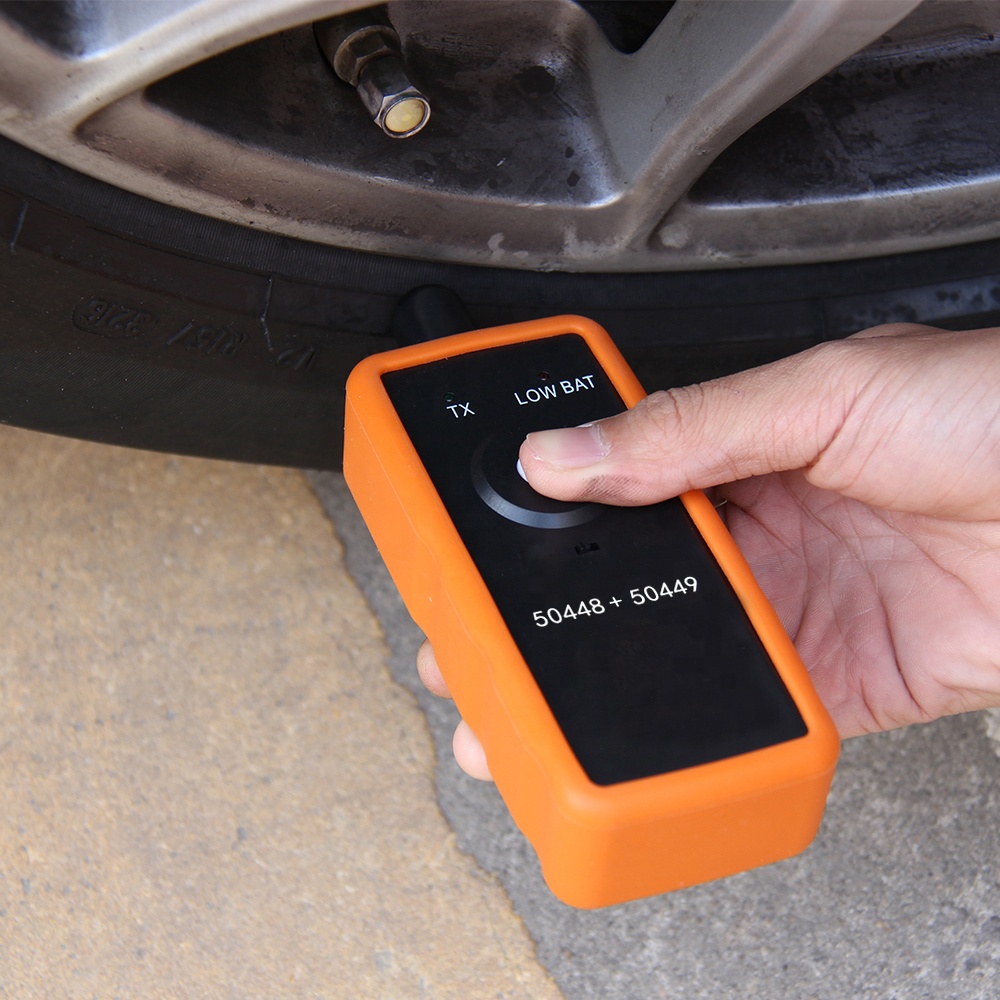
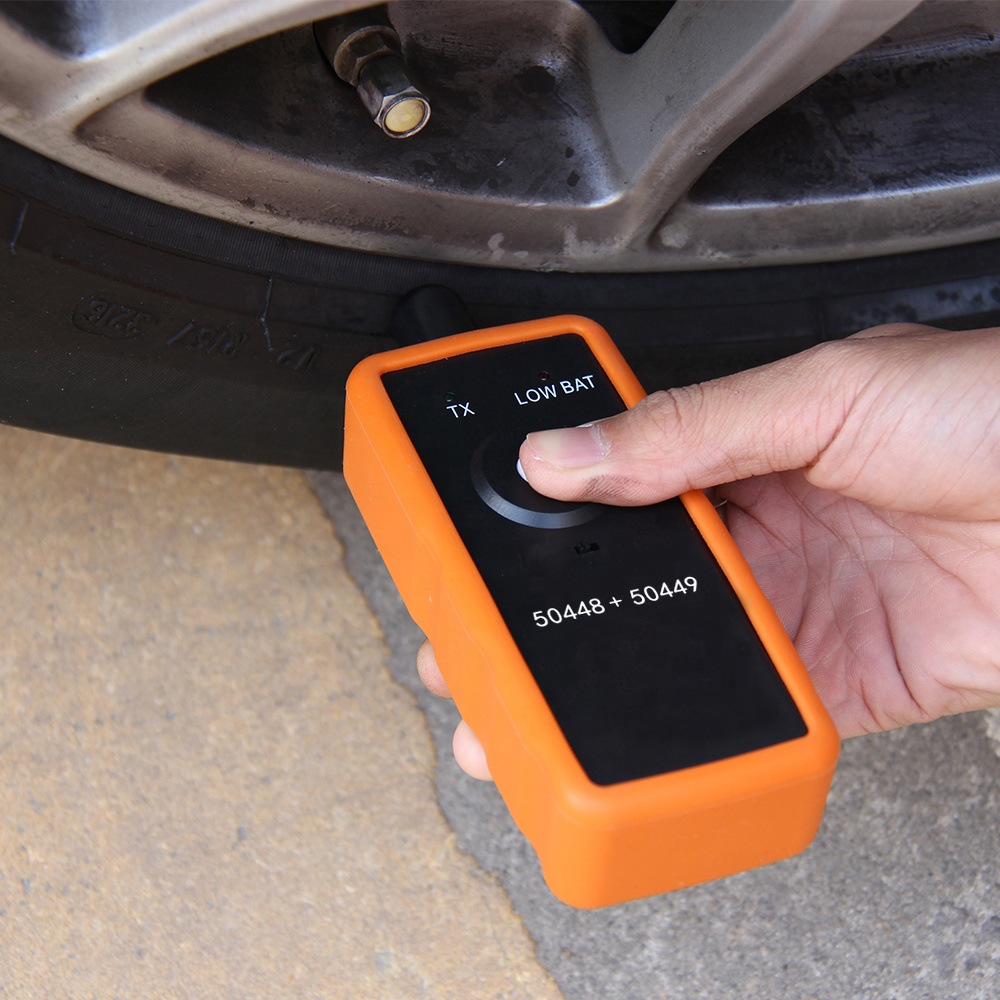
  • Starting from the left front tire, the antenna of the dedicated tool for tire pressure monitoring is facing upwards against the tire sidewall near the rim of the valve stem to start the antenna. Press and release the button and wait for the speaker to emit a chirp. Once the speaker is chirping, the sensor information is read and the turn signal to be read at the next position will light.
  • Follow this order to rest TPMS one by one: Front left, front right, rear right, rear left.
  • After all sensors reset, the car horns twice, the TPMS re-learn finished.
Usage process flow
How to set the car to TPMS relearning mode?
For GM series cars:
  • Make the gear in P position.
  • Use cruise to choose TPMS re-learn mode in the dashboard settings.
  • Horn will ring twice and the TPMS indicator flashes, then the learning mode has been successfully entered. If equipped, the message center will display the front left (LF) tire.
For Ford series cars:
  • Make the gear in P position.
  • With the ignition switch to OFF, press and release the brake pedal.
  • Turn the ignition switch from the OFF position to the RUN position 3 times and end at RUN position.
  • Depress and release the brake pedal.
  • Ignition to OFF position.
  • Ignition goes from the OFF position to the RUN position 3 times and ends at RUN position.
  • Horn will ring once and the TPMS indicator flashes, then the learning mode has been successfully entered. If equipped, the message center will display the front left (LF) tire.
Notice:
  • When using 50448 Plus 2in1, please make sure antenna in correct position.
  • Please make sure the 9v battery in good condition.
Device Application GM Mode
Device Application Ford Mode
Packing Listing
Auto TPMS Relearn Tool 50448 Plus 2in1
  • 1pc * Auto TPMS 50448 Plus 2in1
Please Kindly Note: The package does not include battery.
Packing item display
Package & Delivery
Package:
Poly bag or OEM as your request.

Delivery Time:
3-7 working days for samples; 7-30 working days for bulk goods.
Related Products
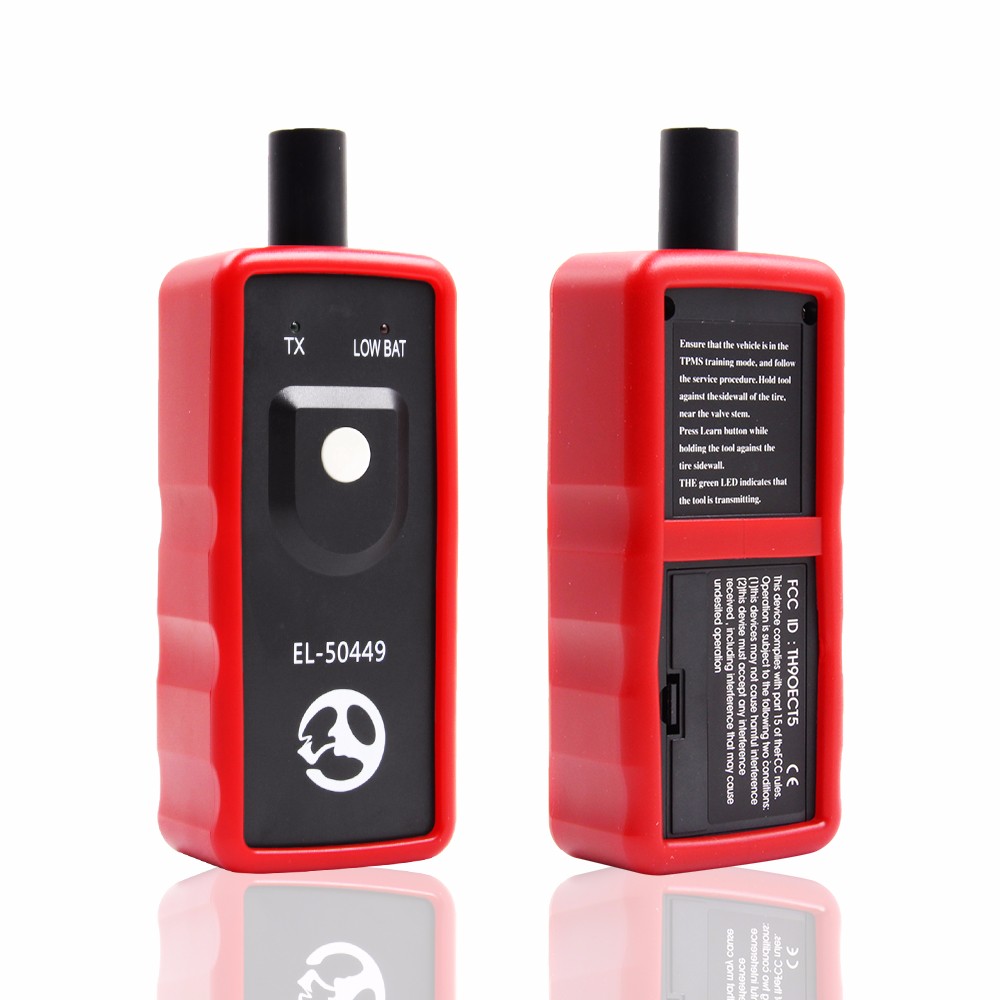
EL-50449
EL-50449 TPMS Activation Tool for Ford
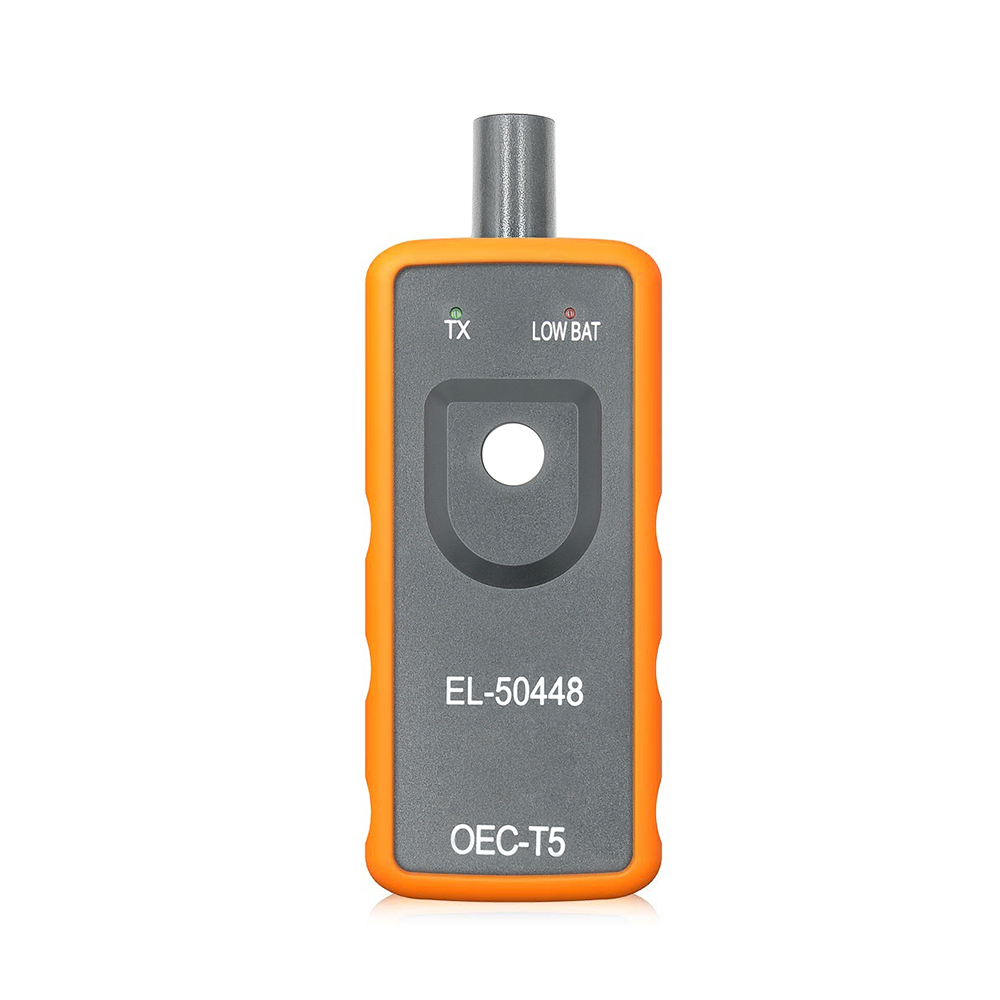
EL50448
EL50448 TPMS Activation tool for GM
TPMS-19
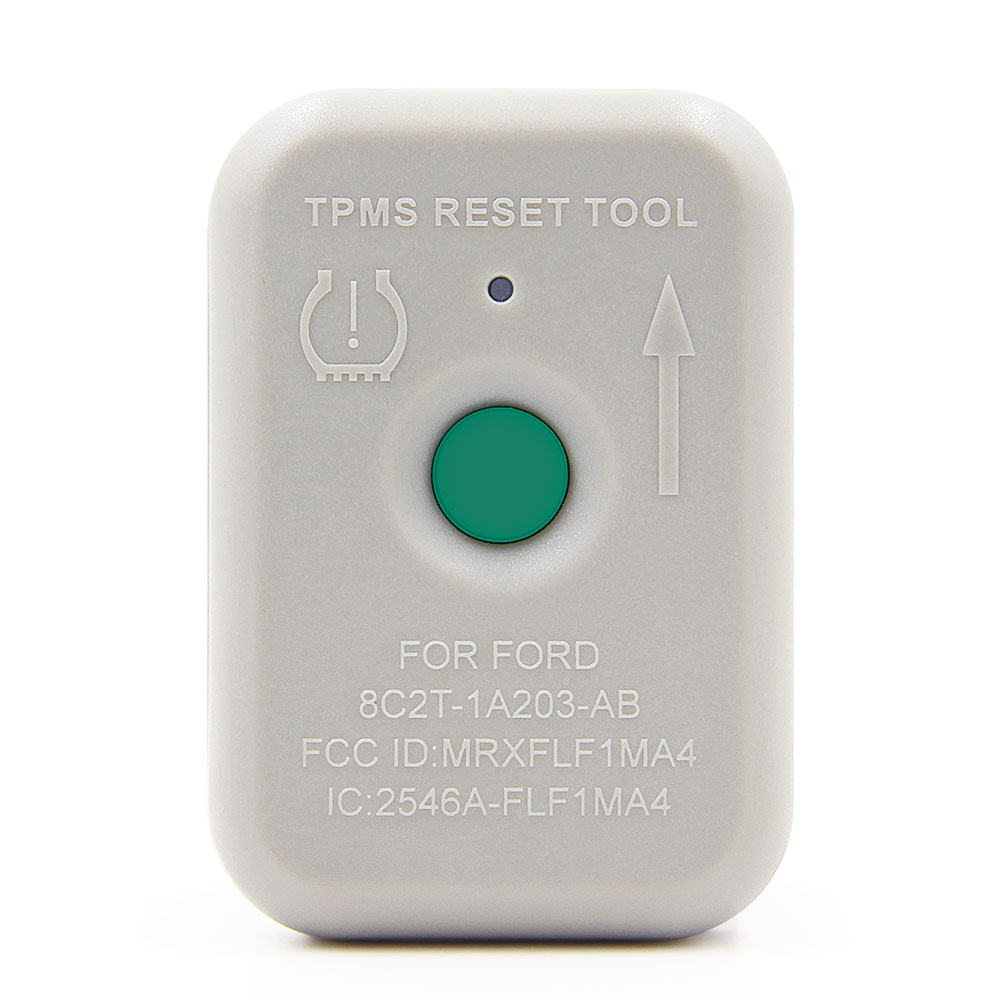
TPMS-19 TPMS Activation Tool for Ford
Product compatibility chart
Payment & Shipping
About Payment
We could accept T/T (Bank Transfer), Western Union, PayPal, Alipay and ect.
Payment methods supported
About Shipping
We could offer you various shipping ways, including shipping via Sea, Air, Commercial Express (DHL, UPS, FedEx, TNT, EMS, Aramex) and etc.
Shipping logistics details
Certificates and factory line
Frequently Asked Questions (FAQ)
Q1: Which vehicle series does the TPMS 50448 Plus 2in1 support?
A1: It supports both GM series vehicles (including Opel, Chevy, Buick, GM, Cadillac) and Ford series vehicles (including Lincoln, Mercury).
Q2: How do I switch the tool between GM and Ford vehicle modes?
A2: Hold the power button down for 3 seconds. The 2 LEDs will flash twice, and the LED representing the selected brand will flash twice to confirm the mode switch.
Q3: How do I check which mode my 50448 Plus tool is currently set to?
A3: Simply press the power button. A flashing Green LED means the device is in GM mode, while a flashing Red LED indicates it is in Ford mode.
Q4: Does the TPMS 50448 Plus 2in1 package include a battery?
A4: No, the package does not include a battery. You will need to prepare one 9V battery in good condition for the tool to operate.
Q5: What is the correct tire sequence to follow when resetting TPMS?
A5: When resetting, follow this specific order step-by-step: start with the Front Left tire, followed by the Front Right, then the Rear Right, and finish with the Rear Left tire.
Q6: How do I know if the car has successfully entered TPMS learning mode?
A6: For GM vehicles, the horn will ring twice and the TPMS indicator will flash. For Ford vehicles, the horn will ring once and the TPMS indicator will flash to signal successful entry into the learning mode.

Related Products